
Running out of storage space for inventory you might never sell? Shopify print on demand apps solve that exact problem by printing and shipping products only after a customer orders no upfront stock, no warehouse, no guesswork.
Dozens of these apps sit in the Shopify App Store, and they don’t all perform the same way. Some focus on premium apparel, others win on speed or a specific niche like jewelry. This guide compares the ten worth testing for your store, what to check before you install one, and how to set everything up so your first sale doesn’t turn into a fulfillment headache.
What Is Print on Demand for Shopify Stores?
Print on demand (POD) apps connect your Shopify store to a network of printers and manufacturers. You design a product a hoodie graphic, a mug wrap, a wall art print and the app handles production, packing, and shipping once a real order comes in.
There’s no inventory to buy and no unsold stock sitting in a corner. You only pay the base production cost when someone actually places an order. These shopify pod apps connect directly through the Shopify App Store, so there’s no separate account or clunky integration to manage.
Here’s the basic order flow:
- A customer buys a product from your Shopify store.
- The order is sent automatically to the POD app.
- The app’s print partner produces the item.
- The product ships directly to the customer, usually with your branding on the label or packaging.
- You keep the difference between your retail price and the base production cost.
If you’ve compared different Shopify dropshipping apps before, you already know the key difference: with POD, you’re selling your own designs on blank products rather than reselling someone else’s existing catalog. This approach makes it easier to create unique products and build a distinct brand.
Shopify Print on Demand Apps Compared: 10 Top Picks
Here’s a closer look at 10 shopify print on demand apps worth testing, each broken down the same way so you can compare them at a glance.
1. Printful
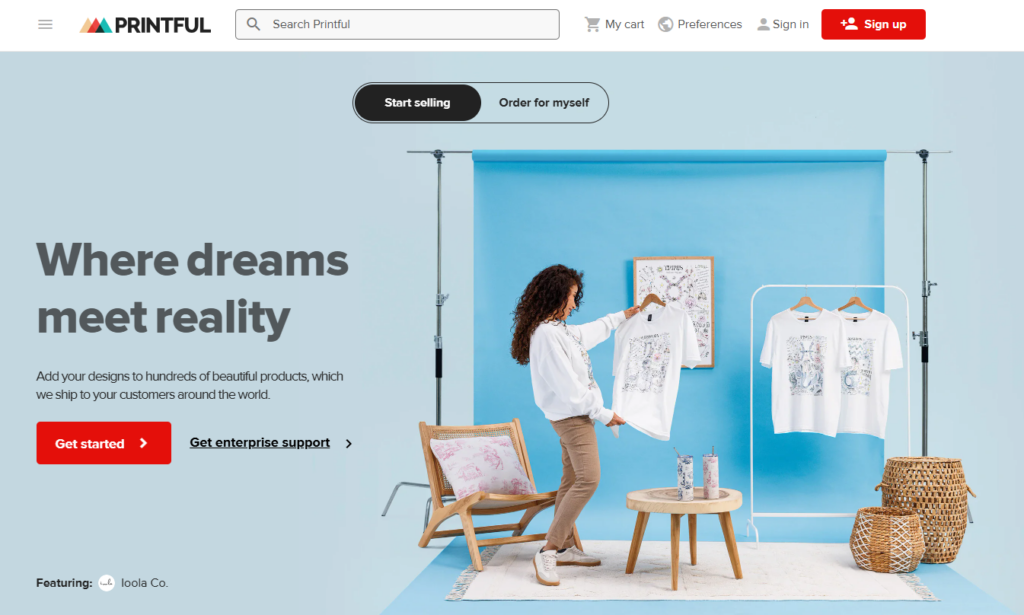
Printful runs its own production facilities instead of outsourcing to third-party printers, which keeps quality and turnaround consistent from order to order. It’s often the first app newer merchants try, thanks to its reputation for reliable prints and packaging.
Key Features:
- In-house production across multiple global facilities
- 300+ products spanning apparel, accessories, home decor, and stationery
- Custom branding: private labels, packing slips, packaging inserts
- Multi-channel selling across Shopify, Etsy, eBay, and Amazon
2. Printify
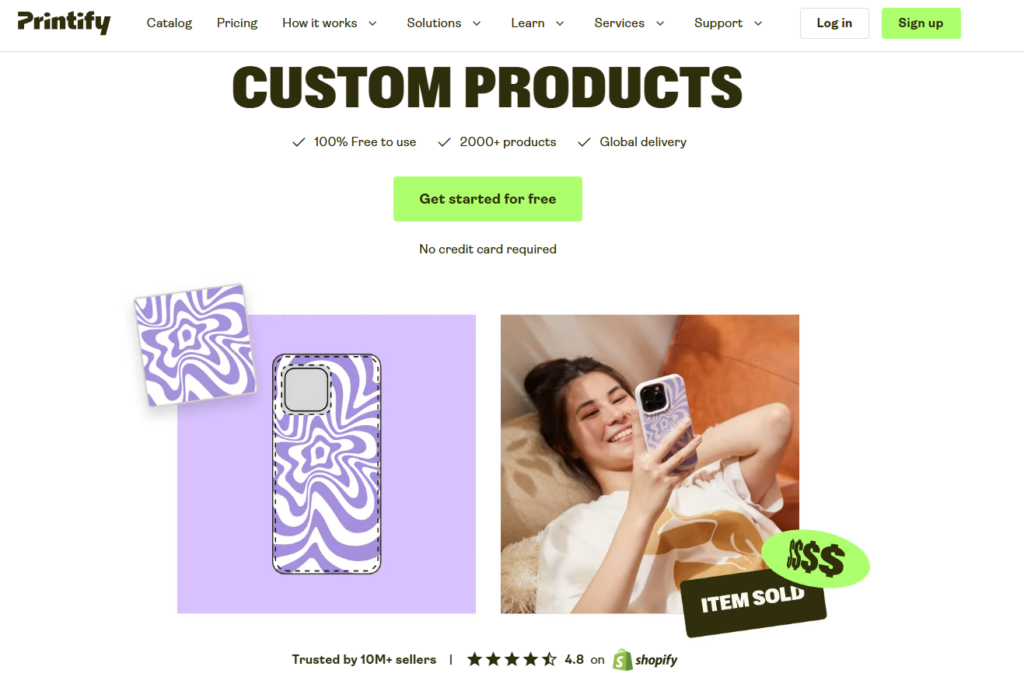
Printify works as a marketplace rather than a single printer, connecting your store to 90+ print providers. That lets you compare price, location, and speed for the same product and pick the partner that protects your margin.
Pricing: Free plan with unlimited designs and up to five connected stores; a Premium plan (around $29/month) adds deeper product discounts.
Key Features:
- 900+ base products across apparel, wall art, and accessories
- Choice of print provider per product for cost control
- Syncs with Shopify, Etsy, TikTok Shop, and Amazon
- Built-in mockup generator in the product creator
3. Gelato
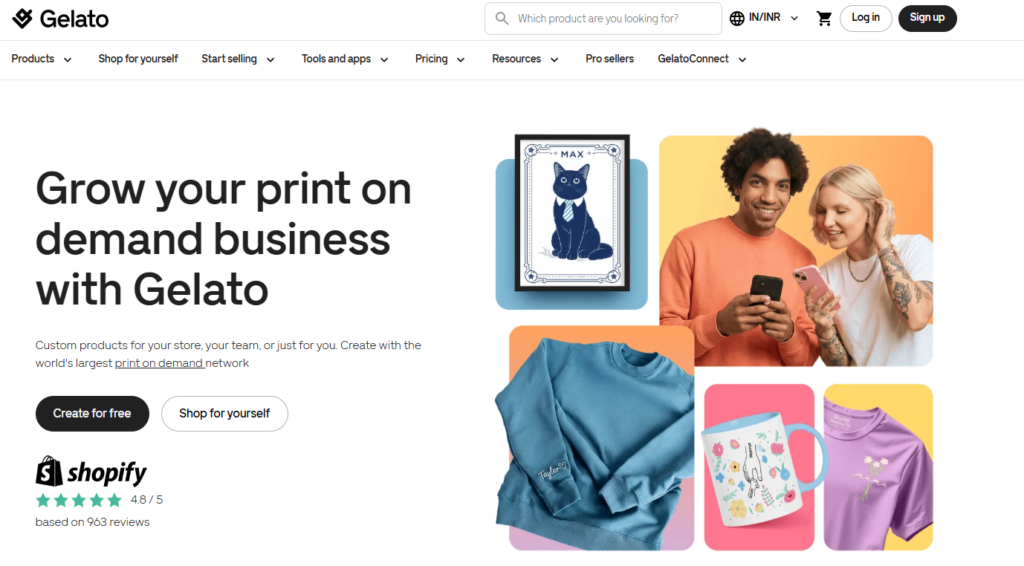
Gelato prints orders close to where the customer lives instead of shipping everything from one warehouse. With production spread across 30+ countries, this local-print model cuts delivery time and reduces unnecessary freight.
Pricing: Free to install with pay-per-order pricing; optional Gelato+ and Gelato+ Gold tiers add product discounts and automation tools.
Key Features:
- Local production in 30+ countries
- No minimum order quantity
- Print-near-customer model with a lower shipping footprint
- Premium mockups and automation available on paid tiers
4. Gooten
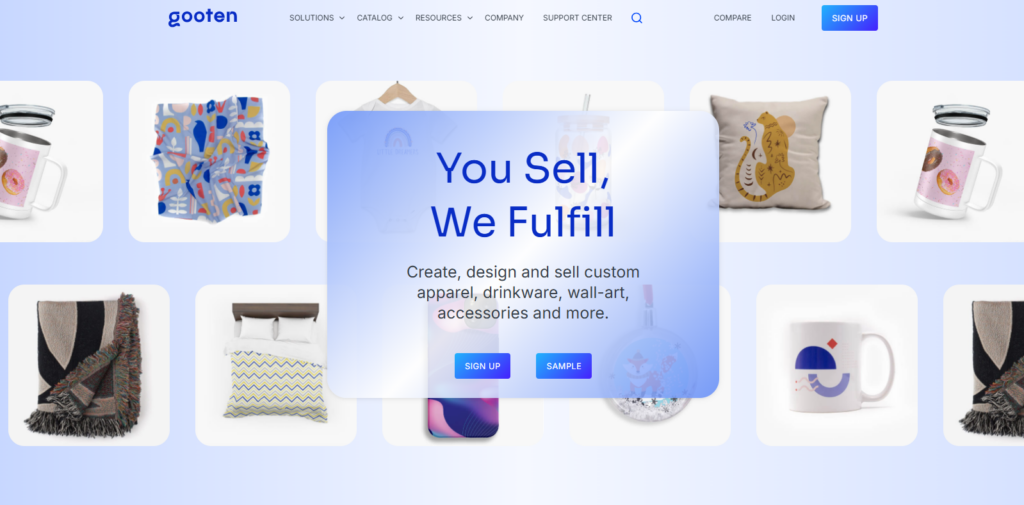
Gooten uses an automated routing engine connected to 70+ manufacturing facilities worldwide, sending each order to the facility best positioned to fulfill it quickly. Its API-first design suits merchants with developers or multiple sales channels.
Pricing: Free to use; you pay only for production and logistics when a sale is made.
Key Features:
- Automated order routing across 70+ facilities
- API-first setup for custom integrations
- Broad catalog spanning apparel, home goods, and novelty items
- Built for scaling multi-channel operations
5. CustomCat
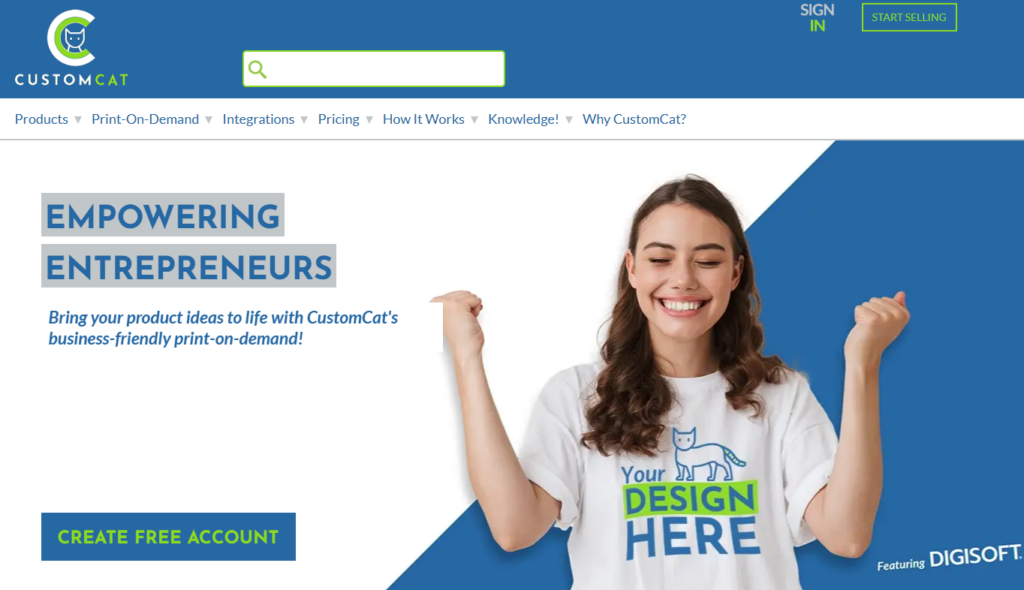
CustomCat focuses on US-based apparel production, which makes it a strong fit if most of your customers are in North America. Its DIGISOFT printing process is built for vibrant, durable graphics on apparel.
Pricing: Free Lite plan to get started; a Pro plan around $30/month unlocks bigger product discounts.
Key Features:
- Fast US domestic turnaround
- DIGISOFT printing for apparel
- Free and paid plan tiers with volume discounts
- Apparel-focused catalog built for promotions
6. Apliiq
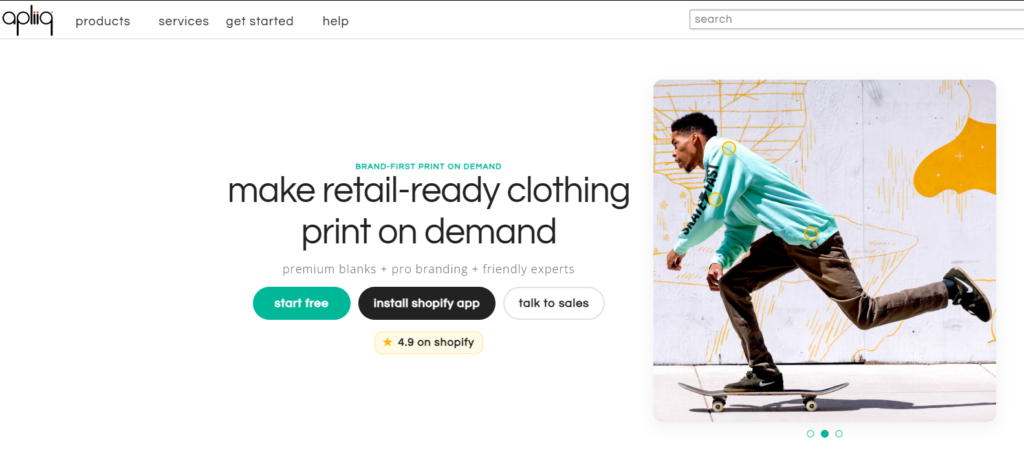
Apliiq is built for merchants who want their store to feel like an in-house apparel label rather than a generic POD shop. Custom neck tags, pack-in inserts, and private packaging are all part of the offering.
Pricing: Free to install you’re charged only for the orders you fulfill.
Key Features:
- Private labeling and custom packaging
- US-based fulfillment, around 2-day average shipping
- Pack-in inserts for a branded unboxing experience
- Apparel-focused catalog with customization options
7. ShineOn
ShineOn moves away from apparel entirely, focusing on custom jewelry, engraved items, and personalized gifts. It’s a strong fit for stores built around holidays, anniversaries, or other gift-driven occasions.
Pricing: Free to install; paid tiers from roughly $27/month up to $87/month unlock deeper discounts and faster shipping.
Key Features:
- Niche focus on jewelry and personalized gifts
- Mockup generator for previewing designs
- Tiered plans with growing per-unit discounts
- Gift-occasion product catalog
8. Printy6
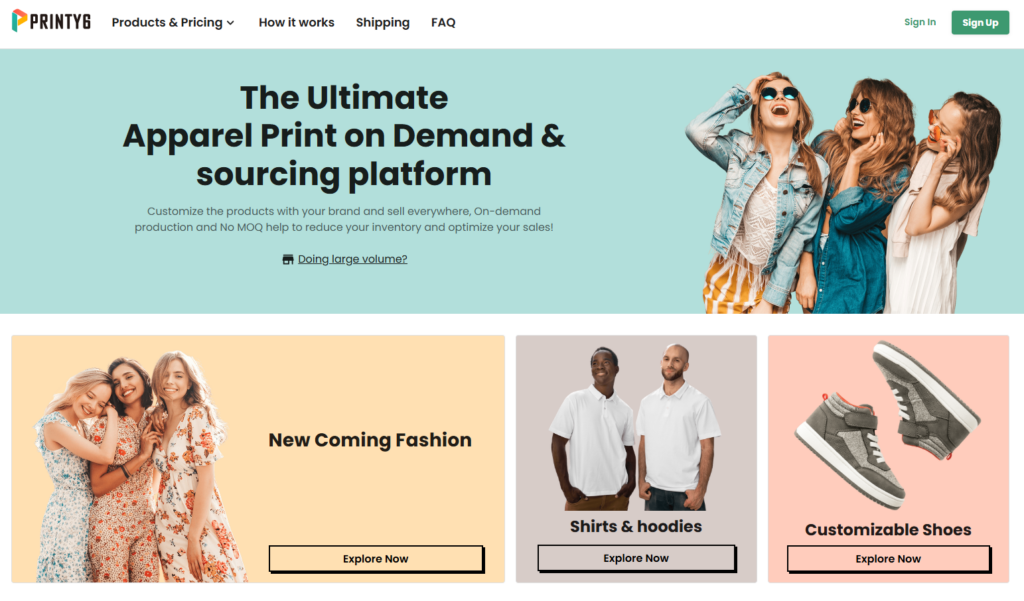
Printy6 keeps things simple, with basic mockup tools and an easy setup flow aimed at merchants launching their first POD store. It’s a low-friction way to test the model before committing to a bigger platform.
Pricing: Free to install you pay production and shipping per order.
Key Features:
- Beginner-friendly setup
- Built-in mockup tools
- Apparel and accessories catalog
- No monthly fee to get started
Note: Pricing and plan details for POD apps change often. Always confirm current rates on the app’s Shopify App Store listing before finalizing your product pricing.
Quick Comparison: Top Picks at a Glance
Here’s a snapshot of some of the best print on demand apps before we break down each one individually.
| App | Best For | Catalog Size | Fulfillment Model |
|---|---|---|---|
| Printful | Premium, in-house print quality | 300+ products | Owns its production facilities |
| Printify | Product variety and price flexibility | 900+ products | Marketplace of 90+ print providers |
| Gelato | Global, local-print fulfillment | Apparel, wall art, home goods | Prints in 30+ countries |
| Gooten | Scaling and multi-channel selling | 300+ products | Automated routing across 70+ facilities |
| CustomCat | Budget-friendly US apparel | Apparel-focused | US production, DIGISOFT printing |
| Apliiq | Branded, private-label apparel | Apparel and accessories | US fulfillment, ~2-day shipping |
| ShineOn | Personalized jewelry and gifts | Jewelry, engraved gifts | Niche gift specialist |
| Printy6 | Simple, budget setup | Apparel and accessories | Standard mockup and fulfillment tools |
Key Factors to Consider When Choosing a Print on Demand App
Not every one of these shopify print on demand apps fits every store. Before you install one, weigh these factors against what your brand actually needs:
- Product catalog fit. Some apps specialize in apparel; others cover home decor, accessories, or niche items like jewelry. Pick one that matches your product niche instead of a generic “does everything” app.
- Pricing and margins. Compare the base production cost, shipping fees, and any monthly subscription tiers. A cheaper base cost with slow shipping can still hurt conversions.
- Shipping regions and speed. Print on demand fulfillment speed varies a lot between apps, so check average production time and shipping regions before you commit.
- Print quality and methods. DTG, sublimation, and embroidery all produce different results. Always order a physical sample before listing a product publicly.
- Shopify integration. The app should sync orders, tracking, and inventory automatically, with minimal manual work on your end.
- Branding and packaging. If custom packaging or private labeling matters to your brand, confirm the app supports it not all of them do.
- Customer support and returns. Since POD items are custom-made, most apps only replace defective or misprinted items. Check current app-store reviews for how support handles disputes.
How to Set Up Shopify Print on Demand Apps
Getting started with Shopify print on demand apps doesn’t take long. These apps connect your Shopify store with print-on-demand suppliers, allowing you to sell custom products without holding inventory. Here’s how to set up your store and start selling.
- Pick your niche first. Decide what you’re selling apparel, drinkware, wall art, jewelry before choosing an app, since not every app covers every category well.
- Install the app from the Shopify App Store. Search for your chosen app, click install, and authorize it to access your store.
- Connect your Shopify store to the app’s dashboard. Most apps walk you through this with a one-click authorization.
- Choose your base products. Pick the specific items (a t-shirt style, a mug shape, a canvas size) you want to build designs on.
- Upload your designs and preview mockups. Use the app’s built-in mockup generator to see how the design looks on the actual product before publishing.
- Set your retail price. Add your desired margin on top of the base production cost and estimated shipping.
- Publish the product to your store. The listing syncs automatically once you hit publish inside the app.
- Order a physical sample. Confirm print quality, sizing, and color accuracy before you promote the product to customers.
- Place a test order. Run through your own checkout to confirm the order routes correctly and tracking updates show up as expected.
Designing a Storefront That Sells Your Print on Demand Products
With print on demand, the product page is doing all the convincing customers can’t pick the item up or try it on. Your Shopify theme needs to carry that weight.
For apparel-driven POD catalogs specifically, look for a theme with:
- Color swatches so shoppers can see design and colorway variants without loading a new page
- High-resolution image zoom for checking print detail up close
- Quick view so browsing a collection doesn’t require a full page reload for every item
- Flexible sections for lookbooks, promotions, and collection storytelling
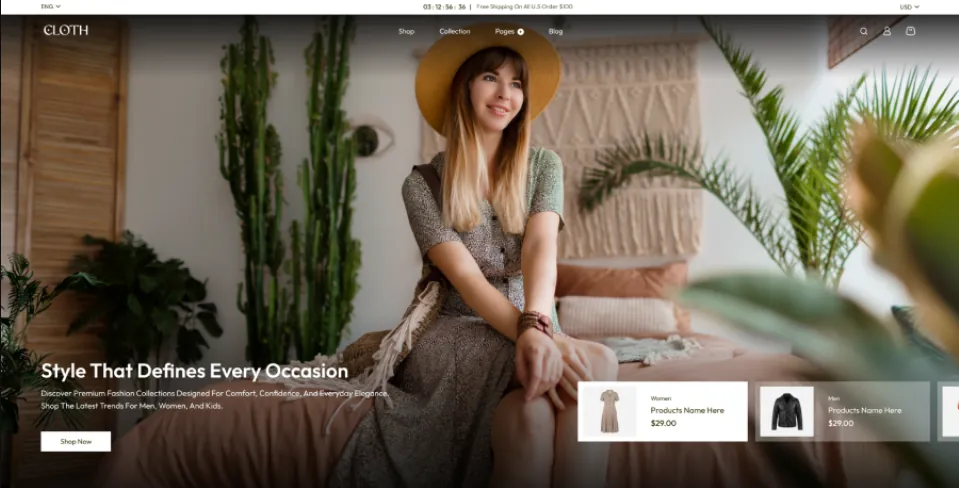
The Vestra Fashion Shopify Theme is a preset from Shopify’s Nexus theme family is one example built with exactly this kind of merchandising toolkit color swatches, image zoom, quick view, and 25+ customizable sections aimed at fashion and apparel brands. It’s not a requirement for launching a POD store, but it illustrates the kind of theme functionality that helps custom, design-led products convert.
You don’t need a premium theme to get started. What matters is that whichever theme you choose gives shoppers a clear, high-resolution look at the product before they commit to a purchase. The custom products Shopify shoppers actually convert on are the ones presented well, with high-resolution photos, clear variant options, and fast-loading galleries.
Final Thoughts
Picking the right shopify print on demand apps comes down to what you’re selling and who you’re selling to. Printful and Printify remain the safest starting points for general apparel stores, SPOD wins on speed, Gelato and T-Pop suit international or sustainability-focused brands, and specialists like ShineOn and Apliiq make sense once you’ve found a tighter niche.
Start with one app, order a sample before you publish anything, and price with enough margin to run a real business not just cover your costs.
Once your product line is validated, your storefront is the next thing worth investing in. A well-built Premium Shopify themes with proper variant swatches, fast image galleries, and a clean checkout can make just as much difference to conversions as the POD app itself worth keeping in mind if you’re ready to move past a stock theme and into a custom Shopify build.
FAQs
What is the best print on demand app for Shopify?
There’s no single best app for every store. Printful and Printify are the most popular general-purpose options, but SPOD suits merchants who need fast shipping, and niche apps like ShineOn or Apliiq work better for specific product categories.
Is print on demand profitable on Shopify in 2026?
It can be, but margins depend on your pricing strategy, ad spend, and how well your niche stands out. Since there’s no upfront inventory cost, the financial risk is lower than traditional retail, which makes it easier to test ideas before scaling.
Do I need a business license to start a Shopify print on demand store?
Requirements vary by country and state, so check your local regulations before you start selling. Many merchants begin as a sole proprietor and formalize their business structure once sales pick up.
How long does print on demand shipping usually take?
Production typically takes 2–7 business days depending on the app, plus shipping time on top of that. Apps like SPOD advertise 48-hour production, while others may take closer to a week during peak seasons.
Can I use more than one print on demand app on the same Shopify store?
Yes. Many stores run separate apps for different product categories apparel through one app, drinkware or wall art through another to widen their catalog and reduce reliance on a single vendor.
How much does it cost to start a print on demand business on Shopify?
Most POD apps are free to install, so your main costs are your Shopify subscription, any theme purchase, and marketing. You pay production and shipping costs only when a customer actually places an order.
Can I sell print on demand products on Etsy or Amazon through the same app?
Several apps, including Printful and Printify, support multi-channel selling, letting you list the same designs on Shopify, Etsy, and other marketplaces from one connected dashboard.