
Choosing the best Shopify email marketing apps depends on your contact count, monthly send volume, automation needs, and budget not on a single “best overall” pick. This guide compares five commonly used Shopify email marketing apps: Shopify Messaging (formerly Shopify Email), Klaviyo, Omnisend, Mailchimp, and Seguno.
Quick answer: Shopify Messaging is Shopify’s free, native tool for simple campaigns and automations. Klaviyo offers deep segmentation and automation built around active-profile billing. Omnisend bundles email, SMS, and push in one contact-based plan. Mailchimp pairs email marketing with broader content and CRM tools. Seguno is a Shopify-focused app with back-in-stock alerts and Canva-based design. The right one depends on your list size, required automations, and budget covered in detail below.
5 Shopify Email Marketing Apps Compared
1. Shopify Messaging (formerly Shopify Email)
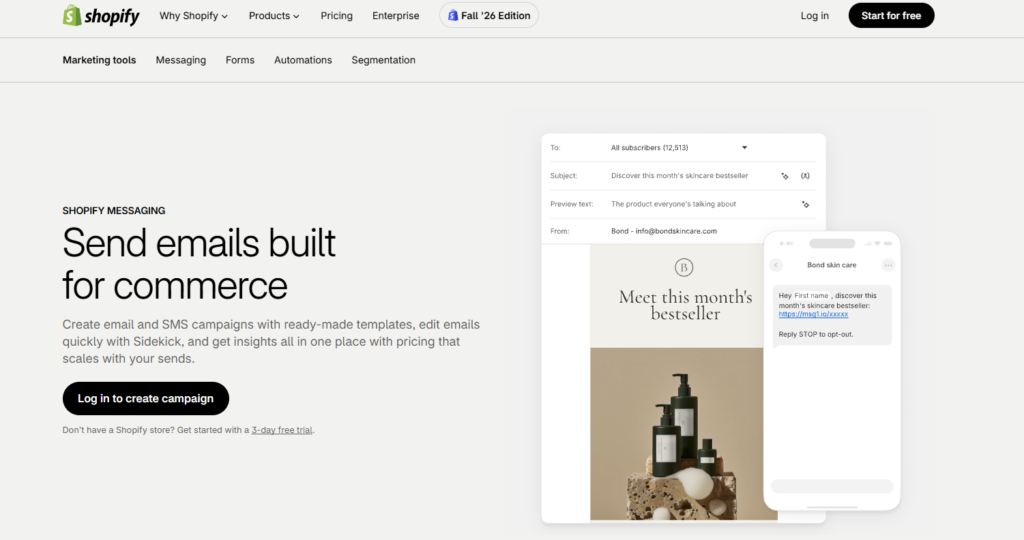
Shopify’s own help center confirms the rename: “Shopify Messaging, formerly known as Shopify Email, can help you grow your business, drive sales, and stay connected with customers.” It’s installed as its own app and used for email and SMS marketing campaigns and automations directly from your Shopify admin, so there’s no external syncing involved.
Key features:
- Branded templates that pull in your logo, colors, and products
- Newsletters, promotions, welcome emails, and abandoned checkout emails
- Dynamic product sections that automatically display current bestsellers or new arrivals at the time of send, confirmed by Shopify’s official changelog
- Pre-built automation templates covering welcome series, abandoned browse, abandoned cart, abandoned checkout, post-purchase upsell, win-back, VIP welcome, and birthday emails
- Performance reporting inside the same admin, tracking opens, clicks, and on-site actions
Pricing (verified against Shopify’s official help documentation): You get 10,000 free emails each calendar month. Beyond that, additional emails cost $1 USD per 1,000 up to 300,000 emails, then $0.65 USD per 1,000 up to 750,000 emails, and $0.55 USD per 1,000 after that. Unused free emails don’t roll over, and emails sent through marketing automations count toward your free allowance, though abandoned checkout automations are always free and don’t count toward the limit. Emails are billed per recipient, so one campaign sent to 800 subscribers counts as 800 emails. Shopify Help Center
Where it fits, and where it doesn’t: Shopify Messaging’s official pre-built automation list doesn’t currently include a back-in-stock template, so merchants wanting that specific flow typically need Shopify Flow with a connector app, or a dedicated email platform. Segmentation is also simpler than what’s available in dedicated email platforms, built around Shopify’s native customer segments rather than deep behavioral scoring. This doesn’t rule out larger stores some stick with Shopify Messaging deliberately if their campaigns stay simple but stores planning complex, multi-condition flows will likely want a more advanced tool.
2. Klaviyo: Email Marketing & SMS
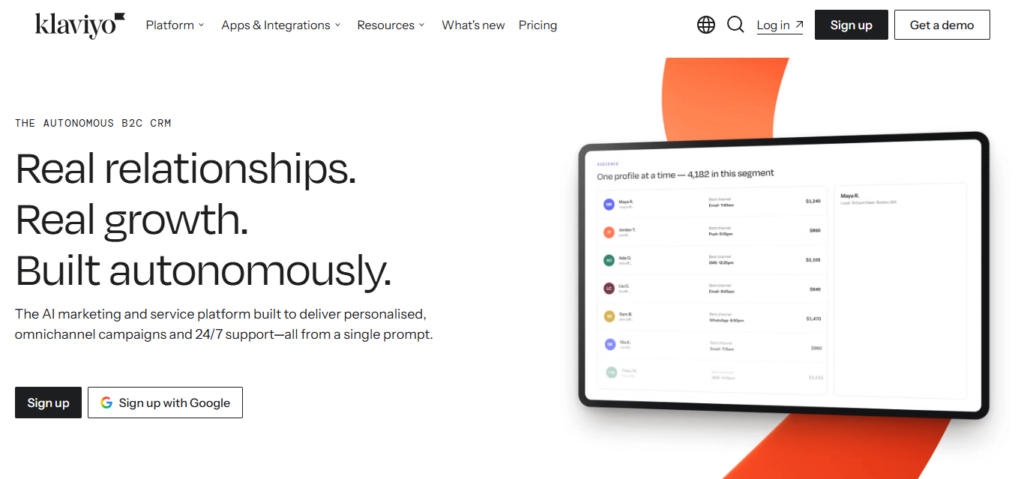
Klaviyo builds customer profiles from Shopify data and lets you trigger emails and SMS based on browsing and purchase behavior.
Key features:
- Segmentation based on purchase history and on-site behavior
- Pre-built flows for welcome, abandoned cart, browse abandonment, and win-back
- Back-in-stock alerts and product recommendation blocks
- Reporting tied to campaigns, flows, and segments
- SMS on the same platform as email
Pricing: Klaviyo offers a Free plan for businesses with up to 250 active profiles, allowing for 500 email sends and 150 SMS/MMS credits per month. Email support is available for the first 60 days. The Email plan starts at $20/month for 251-500 active profiles and includes 5,000 monthly email sends, 150 SMS/MMS credits, and email/chat support. The Email + SMS Plan starts at $35 per month for the same profile range. EmailToolTester
How billing scales: Klaviyo’s own help documentation defines an active profile plainly: “Any profile that can be emailed through Klaviyo is considered an active email profile.” That means your plan tier is based on how many contacts could receive email, not only the ones you actively send to that month. Suppressed and unsubscribed contacts don’t count, so regularly reviewing and suppressing dormant profiles is one way to manage cost as your list grows.
Setup consideration: Klaviyo’s segmentation and automation options go well beyond a basic email tool, which means initial setup building flows, defining segments, connecting SMS can take more time than simpler platforms. That’s a function of feature depth, not a knock against the product.
3. Omnisend: Email Marketing & SMS
Omnisend combines email, SMS, and web push into one platform aimed at ecommerce stores, with a drag-and-drop editor and pre-built automation workflows.
Key features:
- Abandoned cart, welcome, and browse abandonment workflows
- Signup forms, popups, and landing pages
- Email, SMS, and web push from one dashboard
- Segmentation and campaign reporting
Pricing (per Omnisend’s official help center): Pricing starts at Free, then Standard from $16/month, and Pro from $59/month. The Free plan covers 500 emails a month to up to 250 contacts, with core automations, segmentation, and forms included. Omnisend
SMS billing changed in 2026 verify before you commit: Omnisend’s own support documentation states this clearly: for a Free plan with no active SMS subscription before May 4, 2026, SMS requires a Pro upgrade, with an entry rate of $0.007 per SMS for US/Canada recipients. Legacy Pro plans with SMS credits equal to subscription price migrate automatically to the current Pro structure on October 26, 2026, after which SMS runs through a separate SMS Credits Subscription. Because this is actively transitioning, check Omnisend’s current SMS pricing page directly before budgeting for SMS.
Cost comparison note: Whether Omnisend costs less than Klaviyo or another platform depends on your specific contact count, send volume, and whether you need SMS it isn’t true at every tier. Run both platforms’ calculators against your actual numbers before deciding.
4. Mailchimp: Email & SMS
Mailchimp pairs email marketing with a built-in CRM, landing pages, and social posting tools, and connects to Shopify through its official app.
Key features:
- Drag-and-drop email builder with free Shopify Website templates
- Marketing automations (count varies by plan)
- Signup forms and landing pages
- Campaign and audience reporting
Pricing (per the official Mailchimp Shopify App Store listing): Free is $0/month and includes email, marketing CRM, creative assistant, sign-up forms, landing pages, social posting, surveys, and reports. Essentials starts at $13/month and adds email templates, up to 4 marketing automations, and 24/7 email/chat support, with SMS available as an add-on. Standard starts at $20/month and adds up to 200 marketing automations, send-time optimization, and behavioral targeting. Premium starts at $350/month and adds advanced segmentation, multivariate testing, and unlimited seats. Pricing is based on the number of contacts you choose to store, and your monthly send limit is 10 times your contact limit. shopifyMailchimp
Ecommerce reporting: Mailchimp provides campaign and automation reporting, though it doesn’t include the same depth of pre-built revenue-attribution and predictive-analytics features that ecommerce-focused platforms like Klaviyo build specifically for store data. If revenue attribution per flow is a priority, compare each platform’s reporting documentation directly against your needs.
5. Seguno Email Marketing
Seguno operates inside the Shopify admin and pulls in your products, segments, and discount codes directly.
Key features:
- Email editor with Canva integration
- Pre-built automation workflows, including abandoned cart reminders
- Back-in-stock alerts, which are part of Seguno’s documented automation library
- Unique discount codes generated inside campaigns
- Support available from Seguno’s team, as described in its official documentation
Pricing (per Seguno’s official billing documentation): Pricing starts at $35 USD per month for stores with 251–2,500 subscribers, then increases by $20 USD per month for every additional 2,500 subscribers, applying after a 10-day free trial. A free tier is available for shops with 250 subscribers or fewer, and charges appear on your normal Shopify bill since billing runs through Shopify. Seguno
On the back-in-stock comparison: Seguno’s automation library includes back-in-stock alerts as a built-in workflow. Shopify Messaging’s current official pre-built templates (welcome, abandoned browse, abandoned cart, abandoned checkout, post-purchase upsell, win-back, VIP welcome, and birthday) don’t include this specific flow, so it’s a genuine feature difference as of this writing — though merchants can still build a back-in-stock notification through Shopify Flow or a dedicated app if they prefer to stay outside Seguno.
Quick Comparison Table
| App | Built Inside Shopify? | Free Plan? | SMS | Automation | Pricing Basis |
|---|---|---|---|---|---|
| Shopify Messaging | Yes | Yes (10,000 emails/month) | Separate, select countries | Pre-built templates (8 types) | Per email sent |
| Klaviyo | No (integrates) | Yes (250 active profiles) | Add-on plan | Flows + segmentation | Per active profile |
| Omnisend | No (integrates) | Yes (250 contacts) | Add-on, check current terms | Workflows + forms | Per contact |
| Mailchimp | No (integrates) | Yes (contact-based) | Add-on | Up to 200 automations (Standard) | Per contact |
| Seguno | Yes | Yes (250 subscribers) | Not a core feature | Pre-built workflows + back-in-stock | Per subscriber |
How We Selected These Apps
This comparison evaluates each app against the same criteria: Shopify integration depth, automation capabilities, segmentation, ecommerce-specific features (product syncing, abandoned cart handling), pricing structure, ease of setup, reporting, SMS or multichannel support, and current availability on the Shopify App Store. Pricing and feature details below are drawn primarily from each vendor’s own documentation and official help centers, verified in October 2026. Software pricing changes often, so confirm current rates on each vendor’s site before you subscribe.
What to Look for in an Email Marketing App
Before comparing Shopify email marketing apps, get clear on what your store actually needs. A store with 300 subscribers and a store with 30,000 often need different tools.
Check these areas first:
- Shopify data sync: The app should pull in orders, products, and customer behavior without manual exports.
- Automation: Common useful automations include welcome emails, abandoned cart reminders, and post-purchase follow-ups though a newer store may start with newsletters alone and add automation later.
- Segmentation: Being able to email “repeat customers” separately from “first-time visitors” is useful once your list grows.
- Pricing model: Some apps bill per email sent. Others bill per contact or active profile. This changes how your cost scales as you grow.
- Deliverability tools: Look for support for domain authentication (SPF, DKIM, DMARC) and clear unsubscribe handling.
- Reporting: Revenue per campaign is useful, but clicks, conversion rate, unsubscribe rate, spam complaints, and deliverability also matter for a full picture especially since privacy features in modern email clients have made open-rate tracking less reliable.
Benefits of Shopify Email Marketing Apps
An email app automates work you’d otherwise do by hand, and gives you data to see what’s working.
- Saves time: Automated flows can send welcome, cart recovery, and win-back emails without manual work for each one.
- Uses your store data: Product images, prices, and discount codes can pull directly into your emails from Shopify.
- Supports abandoned-cart recovery: Automated reminders can reach shoppers who added items but didn’t check out.
- Can support repeat purchases: Post-purchase emails, replenishment reminders, and loyalty offers give you a way to re-engage past buyers.
- Gives you a channel you control: An email list isn’t subject to ad costs or social algorithm changes the way paid or organic social reach is.
- Shows performance data: Campaign reports can connect email activity to clicks, conversions, and in some cases orders, depending on the app’s tracking setup.
How to Choose the Right App for Your Store
Subscriber count alone doesn’t determine the right platform. A small list with complex segmentation needs may require an advanced tool, while a large list sending simple newsletters may not. Just as you compare SEO tools for Shopify to improve your store’s search visibility, evaluate email marketing platforms based on your specific requirements. Base your decision on:
- Number of contacts and monthly sends: Check each app’s actual pricing at your current count and projected count six months out.
- Required automations: List the specific flows you want (welcome, abandoned cart, back-in-stock, win-back) and check which apps include them natively versus requiring a workaround.
- Segmentation complexity: Simple segments (customers vs. non-buyers) are available almost everywhere. Behavioral or predictive segmentation is deeper in platforms like Klaviyo.
- SMS requirements: If SMS matters, compare current SMS pricing and country coverage directly, since terms have changed in 2026 across more than one platform.
- Reporting requirements: Decide whether you need revenue attribution per flow or whether campaign-level reporting is enough.
- Team size and budget: A solo founder and a marketing team often have different needs for seats, support, and automation complexity.
A practical exercise: write down the three emails you want running next month. Check which apps can send them within your budget. If a free or low-cost plan covers your actual list, there’s no need to pay for more.
How to Set Up Email Marketing on Shopify
The general setup process is similar across most Shopify email marketing apps:
- Set one goal. For example: recover abandoned carts, or grow repeat purchases.
- Install the app. Find it in the Shopify App Store and click Add app, or go to Marketing in Shopify admin for Shopify Messaging.
- Authenticate your sending domain. Each platform has its own SPF, DKIM, and DMARC setup steps check that app’s documentation rather than assuming the process is identical everywhere. Major inbox providers increasingly expect bulk senders to have proper authentication in place; see Google’s sender guidelines for current requirements.
- Import only consented contacts. Don’t upload purchased or old lists you don’t have permission to email, and check which email-marketing and privacy regulations apply based on where your customers are located (for example, GDPR in the EU or CAN-SPAM in the US).
- Add signup forms. A footer form and a popup with a clear offer, such as a first-order discount, are common starting points.
- Build your first automations. Common starting flows include a welcome series, abandoned cart reminders, and a post-purchase follow-up add more as you see which ones perform.
- Match your brand. Keep your email design consistent with your storefront’s logo, fonts, and colors so subscribers recognize your emails immediately. If you’re setting up a beauty or skincare store, for example, a best Shopify themes like the Nexus Beauty Shopify Theme can help keep that visual consistency between your storefront and your email campaigns, since both end up drawing on the same brand palette and product photography.
- Test, then launch. Send yourself a test, click every link, and confirm discount codes work before sending to your full list.
Conclusion
Each of these tools serves a different need. Shopify Messaging is a simple, Shopify-native option for merchants who want to start without a separate subscription. Seguno is a Shopify-focused platform with features like back-in-stock alerts built in. Omnisend combines email, SMS, and push automation in one contact-based plan. Klaviyo offers deep segmentation and automation built around active-profile billing. Mailchimp pairs email marketing with a broader set of content and CRM tools.
Compare these capabilities against your actual contact count, required automations, and budget, and re-check current pricing on each vendor’s site before you commit software pricing changes regularly.
FAQs
1. What is the best Shopify email marketing app for beginners?
For a very small list with simple campaigns, Shopify Messaging requires no extra subscription and includes 10,000 free emails a month. Whether that’s “best” depends on whether you need automation beyond its current built-in templates if you want back-in-stock alerts or deeper segmentation right away, a dedicated app may suit you better even as a beginner.
2. How much do Shopify email marketing apps cost?
Costs range from free (at low contact or send volumes) to several hundred dollars a month at scale, depending on the app’s pricing model. Shopify Messaging bills per email sent, while Klaviyo, Omnisend, Mailchimp, and Seguno bill primarily by contact or profile count. Check each vendor’s official pricing page for your specific contact count.
3. Does Shopify have built-in email marketing?
Yes. Shopify Messaging (formerly Shopify Email) is available on Basic, Grow, Advanced, and Shopify Plus plans, and includes 10,000 free emails per month before additional per-email charges apply.
4. Shopify Messaging vs Klaviyo: what’s the difference?
Shopify Messaging is free to use (aside from per-email overage charges) and lives entirely in your Shopify admin, with a set of pre-built automation templates. Klaviyo is a separate platform that integrates with Shopify, offering deeper segmentation, predictive analytics, and SMS, billed by active profile count rather than email volume. The right choice depends on how much segmentation and automation complexity your store needs.
5. Klaviyo vs Omnisend: what’s the difference?
Both integrate with Shopify and offer email, SMS, and automation. Klaviyo bills by active profile count and is known for deeper segmentation and predictive features. Omnisend bills by contact count and bundles SMS and web push into its plan pricing, including a dedicated Free tier. Actual cost comparisons vary by contact count and send volume, so compare both platforms’ calculators against your specific numbers rather than assuming one is cheaper across the board.
6. Can Shopify send abandoned-cart emails?
Yes. Shopify Messaging includes an abandoned cart automation template, and abandoned checkout automation emails specifically are always free and don’t count toward the monthly email allowance.
7. Do I need a separate email marketing app for Shopify?
Not necessarily. If your campaigns and automations fit within Shopify Messaging’s current feature set, it may be enough. Consider a dedicated app when you need automations Shopify Messaging doesn’t offer natively (like back-in-stock alerts), deeper segmentation, or SMS/channel features beyond what’s built in.
8. What features should a Shopify email marketing app have?
At minimum, look for Shopify data sync, basic automation (welcome and abandoned cart at least), segmentation, deliverability support (domain authentication), and reporting that goes beyond open rates. Beyond that, prioritize based on your specific list size and growth plans.