
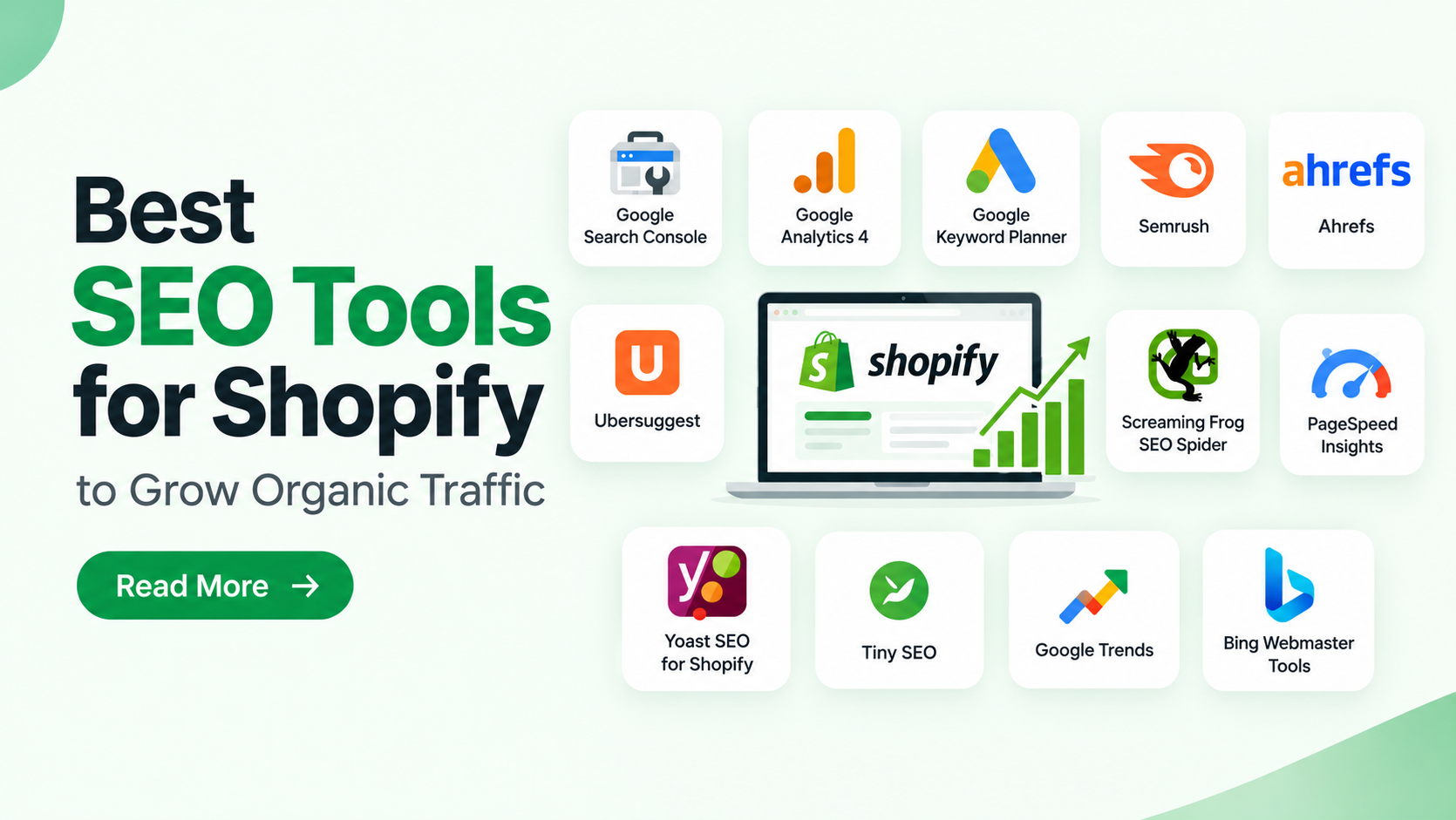
Getting visitors to a Shopify store takes more than publishing products and writing descriptions. Customers need to find your products through Google and other search engines. SEO tools for Shopify help store owners research keywords, optimize product pages, track rankings, and fix technical issues that affect search visibility. Choosing one of the best Shopify themes can also support a user-friendly shopping experience with responsive layouts and easy navigation.
The right tools depend on your business goals and budget. While new stores may benefit from free keyword research and indexing tools, growing businesses often need competitor analysis, backlink monitoring, and technical audits. This guide covers useful tools, their key features, pricing options, and practical ways to use them to improve search performance and attract relevant visitors.
Why Should You Use SEO Tools for Shopify?
Shopify includes basic SEO features such as editable meta titles, descriptions, sitemaps, and URL redirects. However, SEO tools for Shopify help you research keywords, monitor performance, identify technical issues, and improve your store’s search visibility.
1. Find Keywords That Match Customer Searches
Keyword research helps you understand the phrases shoppers use when looking for products, solutions, and comparisons. For example, someone shopping for skincare may search for a specific ingredient, a product type, or a solution for a particular concern. Keyword research platforms help you compare these opportunities and identify relevant phrases for product pages, collection pages, and blog content.
2. Improve Product and Collection Pages
To improve Shopify SEO , product pages need clear titles, informative descriptions, high-quality images, and relevant metadata. Collection pages should also provide useful context about their products. SEO analysis tools help identify missing metadata, duplicate titles, weak headings, and other optimization opportunities, making it easier to improve page quality and manage large product catalogs.
3. Identify Technical SEO Problems
Search engines need to crawl and index your important pages correctly. Broken links, incorrect redirects, duplicate URLs, and unsuitable canonical settings can complicate this process. Technical SEO tools help locate these problems so you can investigate and resolve them before they affect important pages.
4. Monitor Search Performance
Search rankings can change as competitors update their content, customer demand shifts, and search engines adjust their results. Performance tracking helps you understand whether your optimization efforts are producing useful results. You can monitor impressions, clicks, average positions, organic visits, and purchases to build a clearer picture of performance.
5. Understand Competitor Strategies
Competitor research can reveal which keywords other stores target, which pages attract organic traffic, and where they receive backlinks. These insights help you identify relevant content gaps and opportunities. The goal is not to copy competing pages but to create more useful content and a better shopping experience for your audience.
Best SEO Tools for Shopify Stores
The following tools serve different purposes. Some are free resources, some offer limited free features, and others require paid subscriptions. Choose them according to your current needs rather than installing every available solution.
1. Google Search Console
Google Search Console is a valuable starting point for any Shopify store because it provides information directly from Google about your website’s search performance. The Performance report shows which queries generate impressions and clicks, which pages appear in search results, and how your average search position changes over time. The URL Inspection tool helps you investigate the indexing status of individual pages. For example, imagine that a Shopify clothing store has a collection page for linen shirts. Search Console might show that the page receives impressions for relevant searches but attracts relatively few clicks. The store owner can review the page’s title and meta description to see whether they communicate the collection’s value clearly.
Key Features
- Search queries, clicks, impressions, and average position
- URL Inspection for individual pages
- Sitemap submission and indexing reports
- Links reporting
- Core Web Vitals information when available
How to Use It for Shopify
- Verify your Shopify domain in Google Search Console.
- Submit your store’s sitemap, commonly available at /sitemap.xml.
- Review the Performance report to identify valuable search queries.
- Inspect important product and collection URLs when investigating indexing concerns.
- Monitor changes after updating page content or technical settings.
2. Google Analytics 4
Google Analytics 4 (GA4) helps you understand what visitors do after arriving at your Shopify store. While Search Console explains how people find your pages through Google Search, GA4 focuses on activity on your website. This distinction matters because more organic traffic does not automatically mean more revenue. A product page might attract visitors but generate few add-to-cart events or purchases. Analytics can help you investigate whether the traffic is relevant and whether the shopping experience meets customer expectations.
Key Features
- Traffic acquisition reports
- Landing-page performance
- Engagement and user interaction reports
- Ecommerce events and purchase tracking
- Conversion comparisons across traffic sources
Pricing: Free for the standard version.
How to Use It for Shopify
Configure GA4 using Shopify’s supported integration or an appropriate implementation method. Verify that relevant ecommerce events are being recorded correctly. Next, review the organic search channel and identify which landing pages attract visitors. Compare engagement, product interactions, and purchases to determine where content or shopping experience improvements may be useful. Example: If a collection page attracts organic visitors but produces few product clicks, consider improving its introductory content, product organization, filters, or internal links.
3. Google Keyword Planner
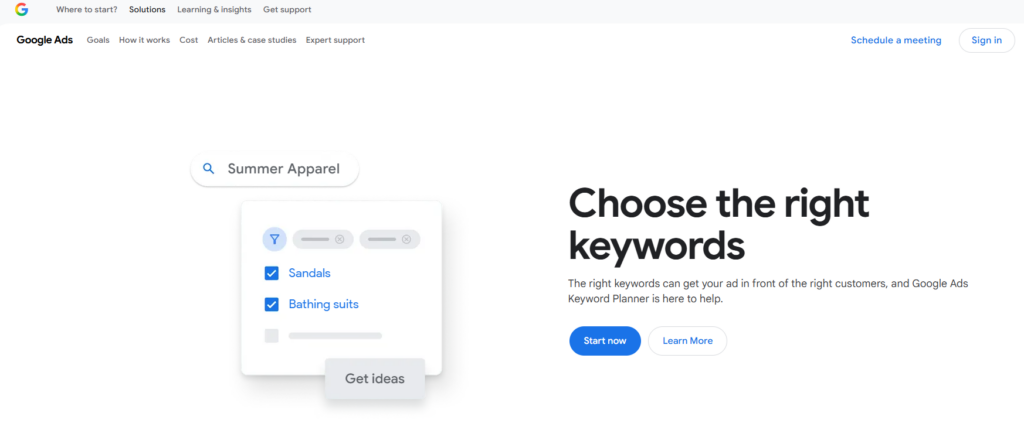
Google Keyword Planner is a useful starting point for researching product-related search terms. Although the tool is designed primarily for advertising research, its keyword suggestions can also support organic SEO planning. Suppose you sell home decor products. You could compare phrases such as decorative wall mirrors, round wall mirrors, and modern living room mirrors. The results may help you identify related search terms worth investigating further.
Key Features
- Keyword ideas based on seed terms or products
- Estimated average monthly search volumes
- Related keyword suggestions
- Geographic and language targeting
- Advertising competition data
How to Use It for Shopify
Start with a product category or a specific item. Collect relevant keyword ideas, compare estimated demand, and group the terms according to search intent. For example:
- Broad category: women’s running shoes
- Specific product: lightweight trail running shoes
- Informational topic: how to choose trail running shoes
These phrases may belong on different pages because shoppers have different needs at each stage of their search. Advertising competition is not the same as organic keyword difficulty. Use other SEO data and manual search-result analysis before deciding which terms to target.
4. Semrush
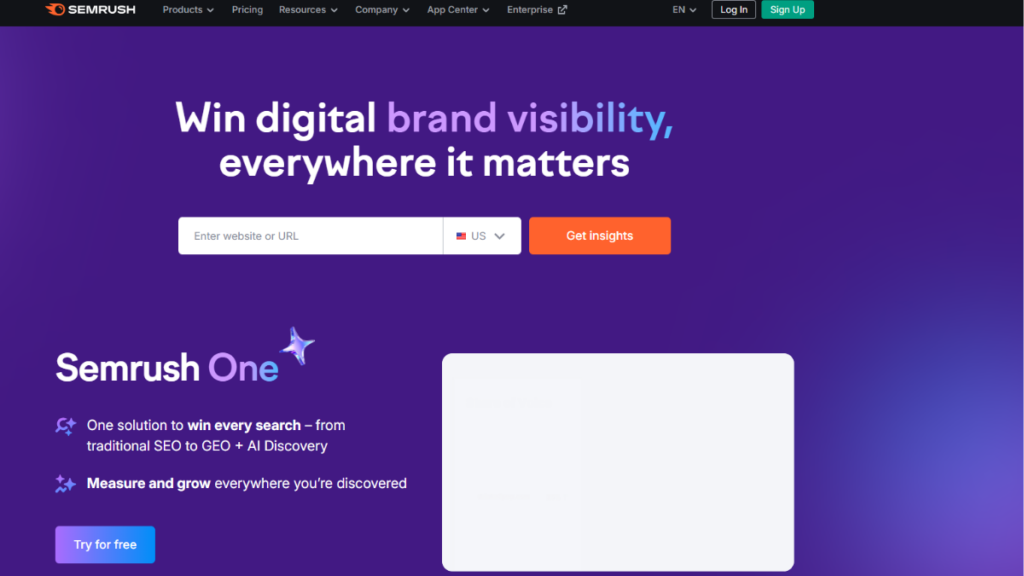
Semrush is an extensive SEO platform for businesses that need more than basic website monitoring. It brings together keyword research, competitor analysis, backlink research, rank tracking, and technical auditing. For Shopify stores, one of its most useful applications is finding search opportunities that competitors already target. You can analyze competing domains, review their organic keyword visibility, and identify topics that may be relevant to your catalog.
Key Features
- Keyword research and difficulty estimates
- Competitor organic research
- Position tracking
- Backlink analysis
- Technical site audits
- Content optimization features, depending on the plan
How to Use It for Shopify
Enter a competing store’s domain and review its organic keyword report. Look for terms relevant to your products that your website does not currently target. Next, decide where those opportunities belong. A specific product term may suit a product page, while a comparison or buying question may be better answered through a blog post. Use the platform’s audit reports to identify technical issues, then prioritize the findings based on their impact on important pages.
5. Ahrefs
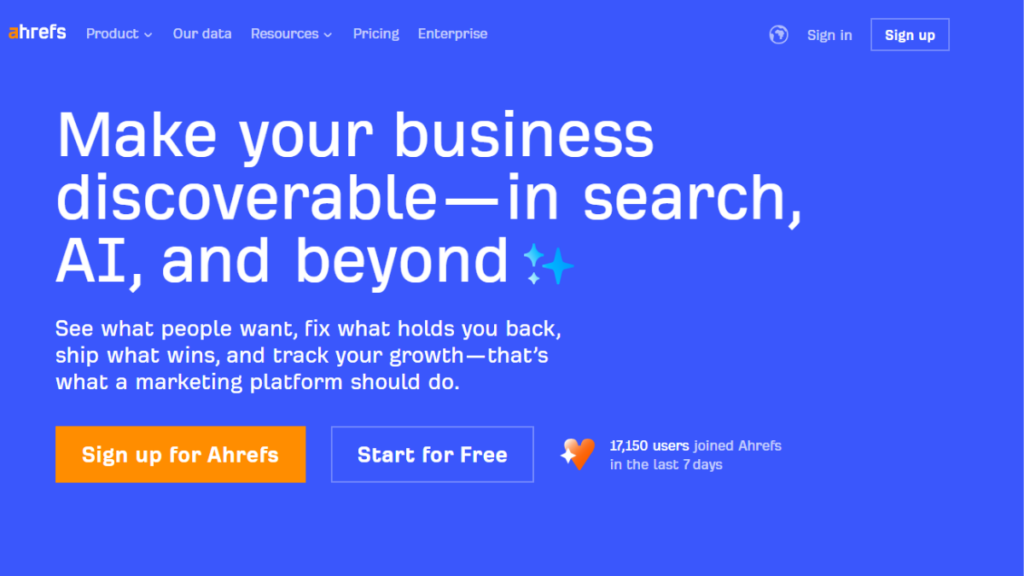
Ahrefs is particularly useful for understanding the links pointing to your website and competing websites. Backlinks can contribute to search visibility when they come from relevant, trustworthy sources, making backlink research an important part of a broader SEO strategy. The platform also offers keyword research, site auditing, and tools for investigating which pages attract organic search traffic.
Key Features
- Backlink and referring-domain analysis
- Keyword research
- Competitor page analysis
- Content research
- Technical site audits
- Rank-tracking features
How to Use It for Shopify
Review competing stores’ referring domains and identify relevant websites that link to their useful content. These could include industry publications, product reviewers, niche blogs, or business partners. You can then create original resources that offer a genuine reason for those websites to reference your store, such as detailed buying guides, product comparisons, or useful research. Ahrefs can also help identify pages that attract organic traffic, giving you ideas for content that addresses similar customer questions.
6. Ubersuggest
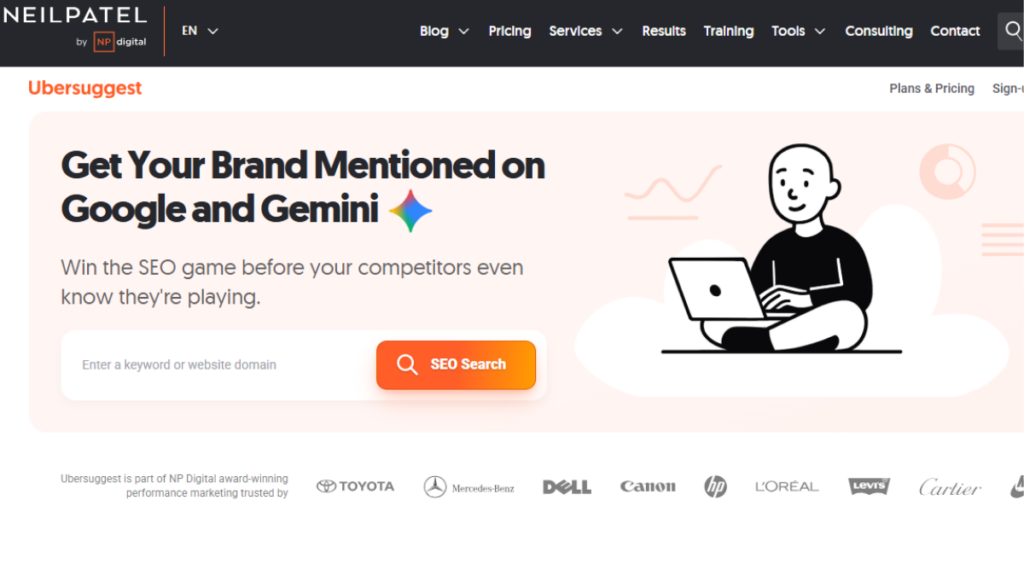
Ubersuggest offers keyword suggestions, search-demand estimates, competitor research, backlink information, and site auditing features. It can be a practical option for smaller businesses that want to build an initial SEO research process without immediately adopting a more extensive platform. Long-tail keyword suggestions are especially useful for ecommerce stores with specific products or niche audiences.
Key Features
- Related keyword suggestions
- Search-volume estimates
- Keyword difficulty indicators
- Competitor traffic estimates
- Backlink information
- Website audit reports
How to Use It for Shopify
Enter a product or category phrase and review related queries. Look for specific terms that reflect what your customers want to buy, compare, or understand. For example, a furniture store might investigate terms related to compact desks, desks with storage, and desks for small home offices. These terms can help shape collection descriptions, product content, and supporting articles.
7. Screaming Frog SEO Spider
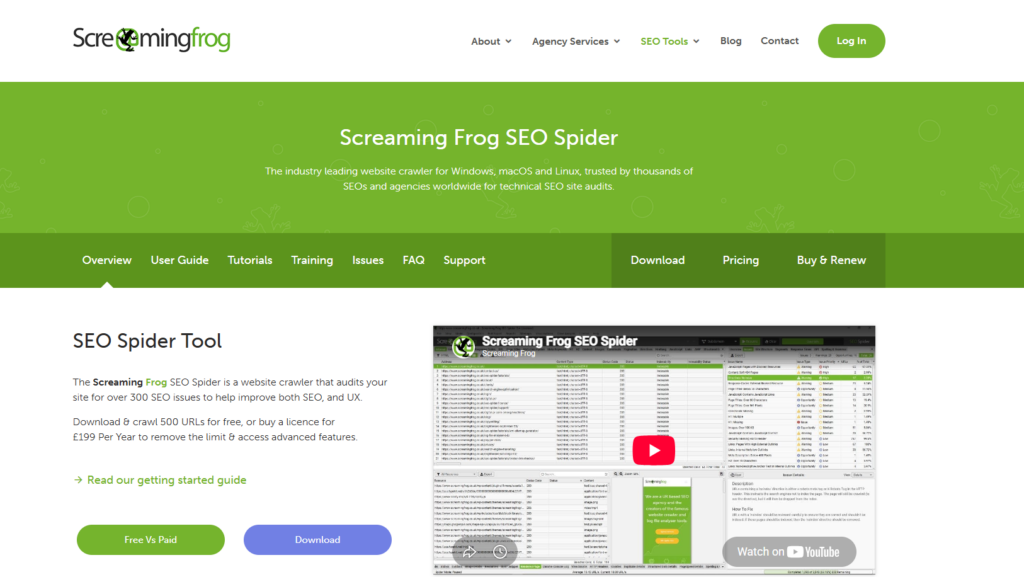
Screaming Frog SEO Spider crawls website URLs and collects information about page titles, metadata, headings, links, response codes, and other technical elements. It is particularly useful when a Shopify store contains hundreds or thousands of product and collection pages. Checking every URL manually would take considerable time, whereas a crawl can help identify patterns that need attention.
Key Features
- Broken-link and response-code analysis
- Missing or duplicate title tags
- Missing meta descriptions
- Redirect analysis
- Canonical URL checks
- Internal-link and heading analysis
How to Use It for Shopify
Crawl your storefront and examine the reports for important product, collection, and blog URLs. If several pages have duplicate titles, review whether the duplication is intentional or caused by an unsuitable template. Pay particular attention to:
- Broken internal links
- Redirect chains
- Important pages with weak or missing metadata
- Pages with no useful internal links
- Unexpected canonical URL configurations
Shopify can generate multiple URL paths for some products and collections. Before changing canonical settings or redirects, understand how the platform handles those URLs.
8. Google PageSpeed Insights
Store speed affects how easily customers can browse products and complete purchases. Google PageSpeed Insights analyzes individual URLs and provides performance data alongside suggestions for improvement. Shopify performance can be affected by image sizes, theme code, third-party scripts, app integrations, and other resources loaded on a page. Testing individual URLs helps you identify which pages need further investigation.
Key Features
- Mobile and desktop performance reports
- Largest Contentful Paint (LCP)
- Interaction to Next Paint (INP)
- Cumulative Layout Shift (CLS)
- Field data when sufficient real-user data is available
- Suggested performance improvements
How to Use It for Shopify
Test your homepage, a major collection page, and a representative product page. Review the results for both mobile and desktop experiences. If a product page performs poorly, investigate oversized images, unnecessary scripts, and apps that add resources to the storefront. Make changes carefully and retest to determine whether they improve the experience.
9. Yoast SEO for Shopify
Yoast SEO for Shopify provides guidance for improving on-page SEO and content readability. It can help store owners maintain more consistent optimization practices when publishing product information and blog articles. Rather than treating an SEO score as the goal, use the tool to check whether a page communicates its topic clearly and whether its content is easy to read.
Key Features
- SEO and readability analysis
- Metadata optimization support
- Structured data features
- Content optimization guidance
- Tools for maintaining consistent on-page practices
How to Use It for Shopify
Review a product description before publishing. Check whether the content explains the product’s purpose, important specifications, and relevant benefits. For a blog article, review the heading structure, readability, and alignment with the search query. Keep the writing natural rather than inserting the same keyword wherever a recommendation suggests it.
10. Tiny SEO Speed Image Optimizer
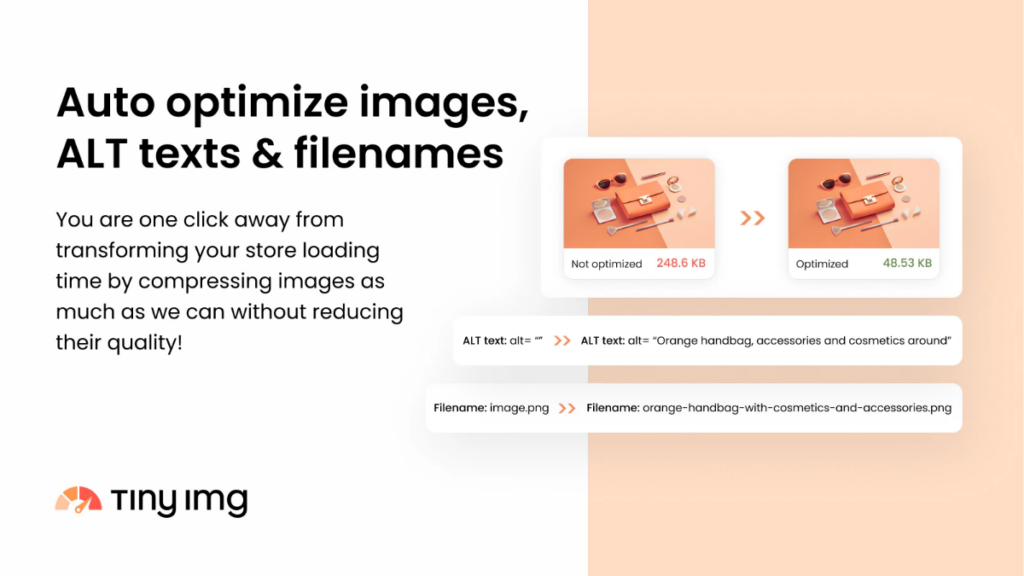
Tiny SEO is a Shopify-focused app that combines image optimization with additional SEO and performance features. It can be useful for stores with large image libraries or recurring tasks that would otherwise require manual work. Product photography is essential for ecommerce, but unnecessarily large image files can affect loading performance. Image optimization helps balance file size and visual quality.
Key Features
- Image compression and resizing
- Alt-text and image optimization tools
- Selected technical SEO features
- Structured data options
- Redirect and broken-link management
- Performance-related optimization features
How to Use It for Shopify
Start by reviewing product and collection images. Compress files where appropriate, preserve sufficient visual quality, and ensure that alt text describes the image accurately. For example, an image of a black leather shoulder bag could use descriptive alt text that identifies the item rather than repeating a broad keyword multiple times. If you use the app’s additional SEO features, check which tasks it automates and whether another installed app already handles them.
11. Google Trends
Google Trends helps you compare changes in search interest over time. It is particularly useful for stores that sell seasonal, event-related, or trend-driven products. For instance, a fashion business can compare interest in different clothing categories before planning seasonal content. A gardening store might use historical interest patterns to decide when to publish guides related to seasonal planting.
Key Features
- Search-interest trends over time
- Regional comparisons
- Related topics and queries
- Comparisons between multiple search terms
- Historical patterns for seasonal planning
How to Use It for Shopify
Enter several related search terms and compare their historical interest. Select a relevant region and time period, then use the results to guide content planning. If a topic shows a recurring seasonal pattern, prepare useful collection content or a buying guide before the period when interest typically rises.
12. Bing Webmaster Tools
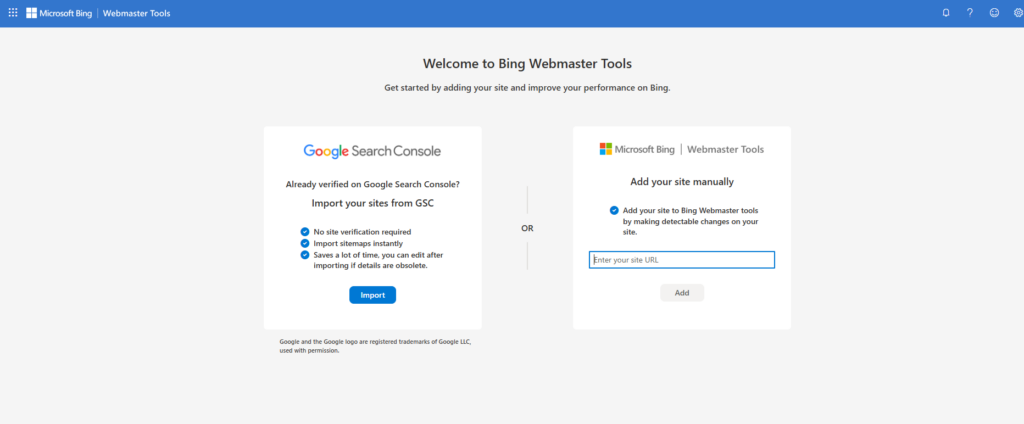
Google is a major source of organic search traffic for many Shopify businesses, but it is not the only search engine. Bing Webmaster Tools provides information about how Bing discovers, crawls, and indexes your website. It also offers technical reports and keyword-related insights that can supplement the data you collect from Google.
Key Features
- URL inspection and indexing information
- Crawl and site diagnostic reports
- Search performance data
- Backlink reporting
- Keyword research features
- Site scanning tools
How to Use It for Shopify
Add and verify your website in Bing Webmaster Tools. Review indexing and crawl reports, then investigate issues affecting important URLs. You can also compare the search queries and pages reported by Bing with the data available in Google Search Console. Differences may highlight additional opportunities or technical issues worth checking.
Comparison of the Best SEO Tools for Shopify
Use this comparison to identify a suitable starting point based on the work you need to complete.
| Tool | Main Purpose | Cost Category |
|---|---|---|
| Google Search Console | Google search visibility and indexing | Free |
| Google Analytics 4 | Organic traffic and ecommerce performance | Free standard version |
| Google Keyword Planner | Keyword ideas and search demand | Free |
| Semrush | Competitor research and SEO analysis | Free features and paid plans |
| Ahrefs | Backlink and competitor analysis | Free tools and paid plans |
| Ubersuggest | Keyword research and site analysis | Limited free access and paid plans |
| Screaming Frog SEO Spider | Technical website crawling | Free up to 500 URLs; paid licence |
| PageSpeed Insights | Page speed and Core Web Vitals | Free |
| Yoast SEO for Shopify | On-page content guidance | Paid options |
| Tiny SEO | Image optimization and Shopify SEO tasks | Free features and paid plans |
| Google Trends | Seasonal search interest | Free |
| Bing Webmaster Tools | Bing indexing and performance | Free |
Pricing and feature availability can change, so check the official product website or Shopify App Store before choosing a paid tool.
How to Use SEO Tools to Improve Your Shopify Store Step by Step
Using SEO tools for Shopify regularly helps you turn keyword research, technical reports, and performance data into practical improvements for your storefront.
Step 1: Set Up Search and Analytics Tracking
Verify your domain in Google Search Console and submit your sitemap. Configure Google Analytics 4 so that relevant traffic and ecommerce events are recorded correctly. Record a baseline for organic clicks, impressions, landing-page traffic, and purchases. These figures will help you assess whether future changes make a meaningful difference.
Step 2: Research and Group Keywords
Use Google Keyword Planner, Semrush, Ahrefs, or Ubersuggest to collect relevant search terms. Group the terms according to customer intent:
- Product intent: Searches for a particular item or product type.
- Category intent: Searches for a broader product group.
- Informational intent: Questions about product selection, use, or maintenance.
- Comparison intent: Searches comparing alternatives, features, or prices.
Assign each important topic to the most appropriate page. Avoid creating multiple pages that target the same intent without a clear reason.
Step 3: Optimize Important Product and Collection Pages
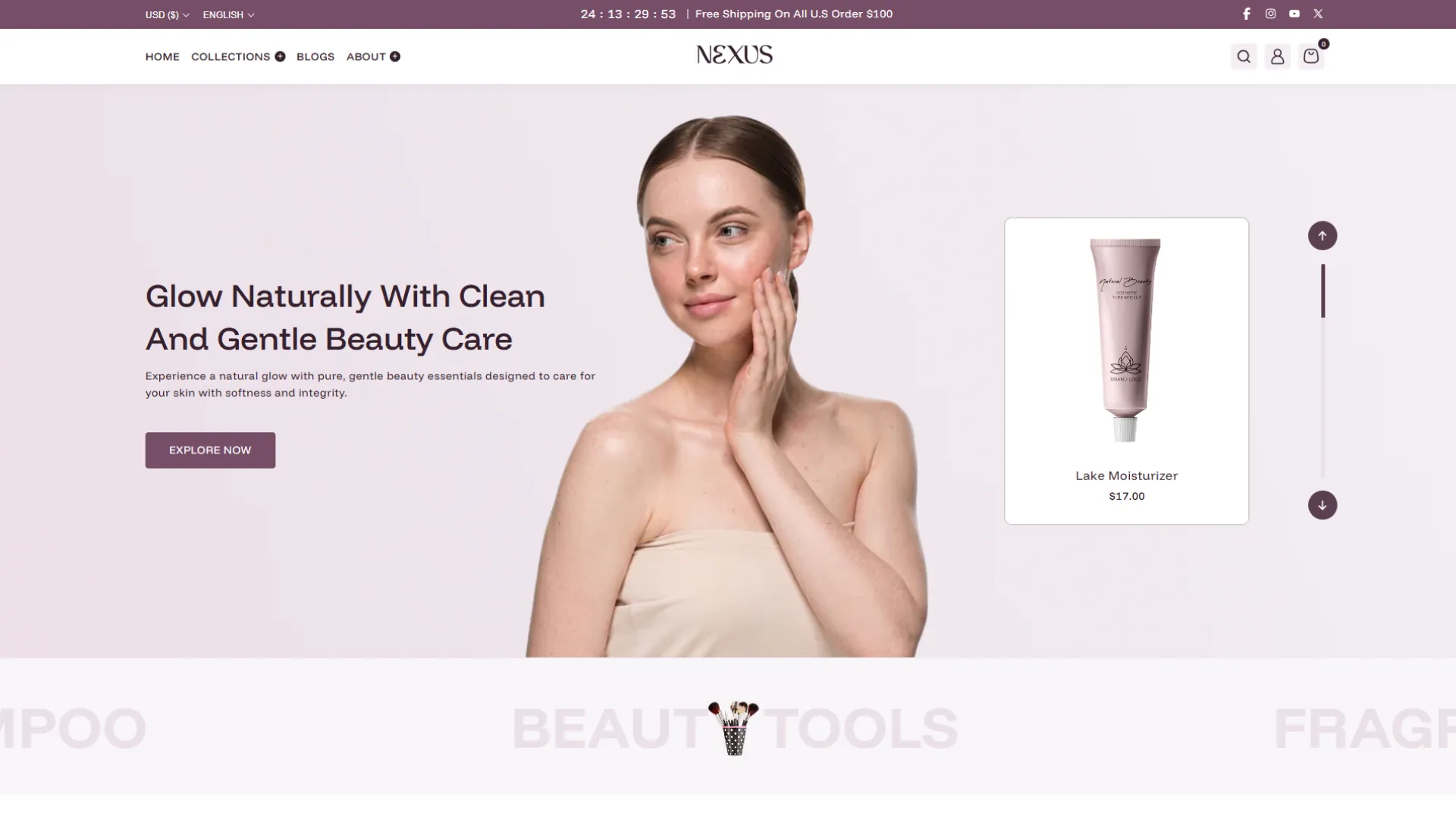
Review the pages most relevant to your business and optimize their titles, meta descriptions, headings, product information, image alt text, and internal links. Your Shopify theme also influences how product details, collection layouts, and navigation appear to customers. For example, the Nexus Beauty Shopify theme includes features such as product filtering, enhanced search, and quick buy to help shoppers browse products more easily. Preview the theme on mobile and desktop to ensure its layout suits your catalog and supports a positive shopping experience.
For a collection page featuring office chairs, include helpful details about available styles, materials, adjustment options, and intended uses. This gives shoppers the information they need while making the page more relevant to its target search queries.
Step 4: Audit Technical Issues
Use Search Console and Screaming Frog to investigate indexing problems, broken links, redirect issues, and duplicate metadata. Prioritize problems affecting valuable pages. A broken link to a major collection deserves more attention than a minor warning on a low-priority page. Be cautious when changing redirects, canonical tags, or theme code. Incorrect changes can create new problems even when the original report appears concerning.
Step 5: Review Page Performance
Test your homepage, important collection pages, and representative product pages with PageSpeed Insights. Check image sizes, third-party scripts, unnecessary app code, and layout shifts. If you use a Shopify Recently Viewed feature, ensure it works smoothly without slowing down your storefront. Make changes carefully and test the pages again. A high performance score alone does not guarantee better rankings or more sales; focus on improving the user experience while maintaining essential store functionality.
Step 6: Measure the Results
Review your search and analytics reports regularly. Compare performance over meaningful periods and account for seasonality, promotions, and changes in product availability. Track metrics such as:
- Organic clicks and impressions
- Search visibility for priority terms
- Organic landing-page visits
- Add-to-cart activity and purchases
- Performance of key product and collection pages
Use these findings to decide which pages need further improvements and which changes are producing useful results.
Final Thoughts
Building organic visibility requires a consistent process of researching keywords, improving important pages, maintaining technical health, and measuring performance. SEO software makes this work easier by providing data that helps you decide where to focus your efforts. The SEO tools for Shopify covered in this guide address different needs, from basic search monitoring and keyword discovery to competitor analysis and technical auditing. You do not need to adopt all tools at once. Start with free resources, establish a reliable measurement process, and introduce paid solutions when your store requires more detailed insights.
Most importantly, turn the information these tools provide into meaningful improvements. Pages that answer customer questions, present products clearly, load reliably, and support an easy shopping experience give your store a stronger foundation for sustainable organic growth.
Frequently Asked Questions
What are the best SEO tools for Shopify?
Google Search Console, Google Analytics 4, Google Keyword Planner, Semrush, Ahrefs, and Screaming Frog are useful for different SEO tasks. The best combination depends on whether you need keyword research, performance tracking, competitor analysis, or technical auditing.
Are there free SEO tools for Shopify?
Yes. Google Search Console, Google Analytics 4, Google Trends, Google Keyword Planner, PageSpeed Insights, and Bing Webmaster Tools offer free access. Screaming Frog also provides a limited free version, while several commercial platforms offer selected free tools.
Does Shopify have built-in SEO features?
Yes. Shopify includes features such as editable page titles and meta descriptions, automatic sitemap generation, and URL redirects. Additional tools can help with keyword research, performance monitoring, technical audits, and other optimization tasks.
Which SEO tool is best for Shopify keyword research?
Google Keyword Planner is a useful starting point for keyword ideas and estimated search demand. Semrush, Ahrefs, and Ubersuggest offer additional research capabilities. Compare the available information and prioritize search terms relevant to your products and customers.
Do Shopify SEO apps improve Google rankings?
SEO apps can help identify issues and manage optimization tasks, but installing an app does not guarantee higher rankings. Results depend on content relevance, technical health, competition, website quality, and the effectiveness of the changes you implement.
How many SEO apps should a Shopify store use?
There is no fixed number. Start with Shopify’s existing features and free external tools, then add an app when you identify a specific need. Avoid overlapping apps that perform the same functions without providing additional value.