
Creating a visually appealing and high-converting Shopify store no longer requires advanced coding skills. With the right page builder app, merchants can design stunning landing pages, product pages, homepages, and promotional sections using intuitive drag-and-drop editors. These tools help businesses customize their storefronts, improve user experience, and boost conversions while saving valuable development time. Whether you’re launching a new store, running seasonal campaigns, or optimizing existing pages, Shopify page builder apps offer the flexibility to create professional designs that align with your brand. From beginner-friendly solutions to feature-rich platforms with advanced customization options, there’s a page builder for every business need. In this guide, we’ll explore the best Shopify page builder apps, highlighting their key features, benefits, and how they can help you build a more engaging online store.
What Is a Shopify Page Builder App?
A Shopify page builder app is an app you install from the Shopify App Store that adds a visual, drag-and-drop editor on top of your theme. Instead of editing Liquid files, you click and drag elements onto a canvas and see your changes live.
This is different from your theme’s built-in customizer. The native editor lets you rearrange the sections your theme already supports. A page builder app gives you far more design freedom, including layouts your theme was never built to handle.
Brands in visual categories such as beauty, food, and wellness often benefit from both flexible page-building tools and a strong industry-specific theme. If you’re researching options for a beauty store, this guide to can help you compare suitable designs. A Shopify clothing store can use page builders to create tailored collection pages, promotional sections, and product layouts that match its catalog.
Merchants building a fashion storefront can also consider the Vestra fashion Shopify theme when they need a design foundation for product and collection pages.
For wellness-focused businesses, the Endurance wellness Shopify theme can provide an industry-specific foundation that can be extended with custom page-builder sections.
If you run a beauty business, the best Shopify themes for cosmetics store can provide industry-specific layouts that complement a page builder.
Most Shopify page builder apps include:
- A drag-and-drop visual editor
- Templates for landing pages, product pages, and collection pages
- Conversion elements like countdown timers, reviews, and upsell blocks
- Mobile-responsive editing controls
- Analytics and, on higher plans, A/B testing
- Compatibility with Online Store 2.0 themes
Why Your Page Builder Choice Matters?
Picking a page builder isn’t just a design decision. It affects your store’s speed, your search visibility, and your monthly app bill. For merchants building an ecommerce store, choosing a lightweight and flexible page-building solution can help create a better shopping experience without adding unnecessary complexity.
Here’s what’s actually at stake:
- Page speed: Every builder adds its own JavaScript on top of your theme. Google and Deloitte’s “Milliseconds Make Millions” study found that a 0.1-second mobile speed improvement lifted retail conversion rates by 8.4%. Speed isn’t a nice-to-have here.
- SEO: Some builders render page content on the client side, which means search engines see less HTML on first crawl. That can slow down indexing for pages you actually want to rank.
- Conversion tools: A/B testing and CRO blocks vary a lot between apps. If you’re spending on ads, this matters more than template looks.
- Cost as you scale: Some apps price by published page, others by monthly visitors. A cheap starter plan can get expensive fast once your traffic grows.
- Theme compatibility: Builders render markup on top of your theme’s code. If you switch themes later, layouts built in an app can break in ways native sections never do.
The Best Shopify Page Builder Apps in 2026
Here’s an honest breakdown of the top options, based on current pricing and what each one is actually best at.
1. PageFly — Best All-Around Page Builder
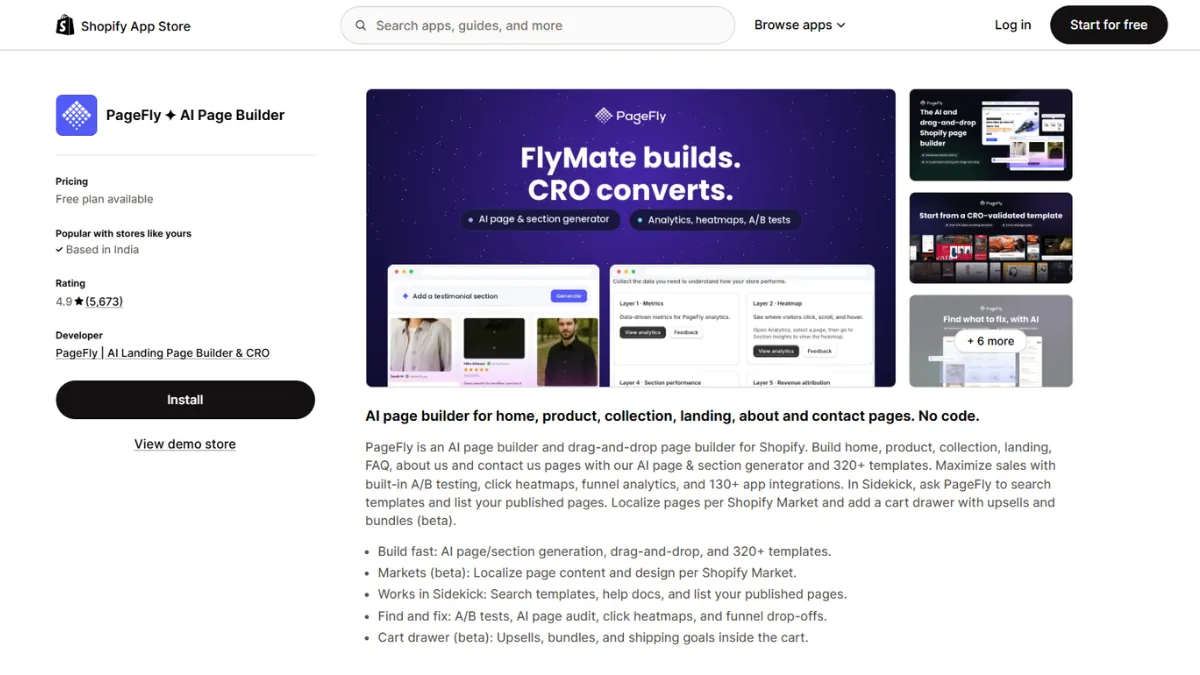
PageFly is the most reviewed page builder on the Shopify App Store, and its free plan is unusually generous. It includes the full feature set plus 24/7 live chat support, which most competitors gate behind paid tiers.
The editor covers every major page type, from product pages to collection pages to standalone landing pages, so you’re not juggling separate tools for separate jobs. Paid plans add AI-powered conversion suggestions and A/B testing, letting you run two versions of a page and let real visitor data decide the winner. For a merchant launching a new product, that means less redesigning by guesswork and more decisions backed by actual numbers.
Good for: Merchants of any size who want the widest feature set without a big upfront commitment.
Pricing: Free plan available. Paid plans start around $24/month.
Watch out for: Pricing scales with the number of published pages, so costs can climb as your store grows.
2. GemPages — Best for Templates and AI Tools
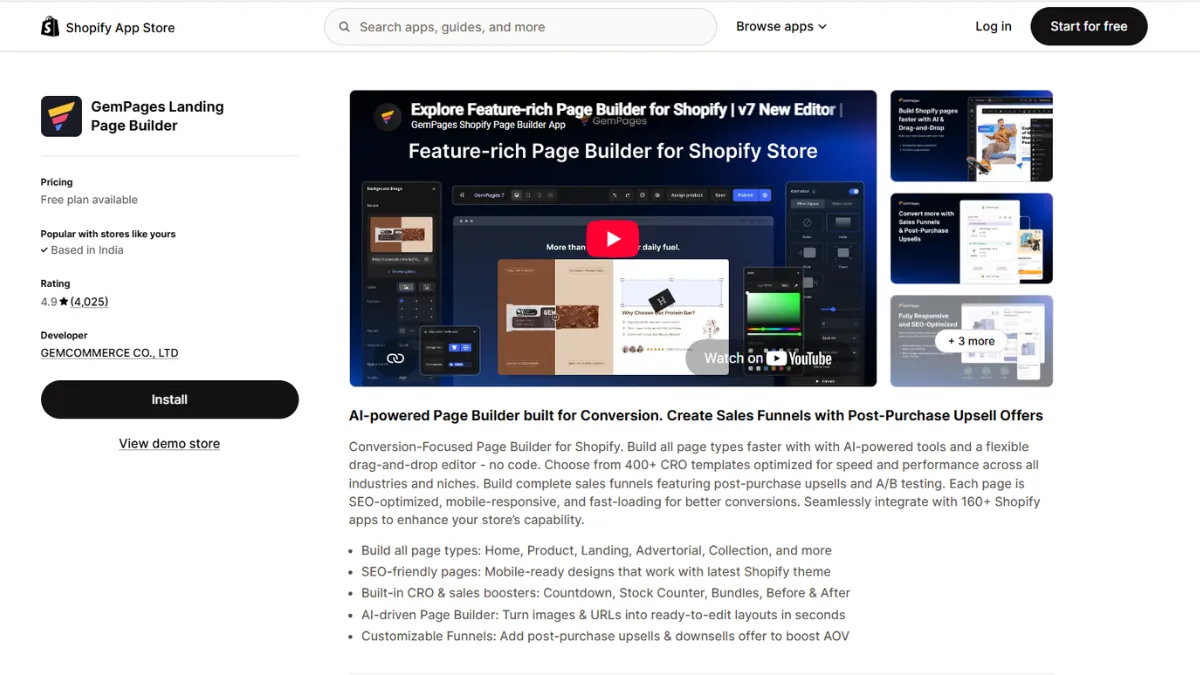
GemPages stands out for template variety and its GEMX AI section helper, which speeds up building for less design-confident merchants. It also bundles a funnel builder and AI content generation into one subscription.
The template library leans heavily toward visually driven categories, think skincare, food, and home decor, where the pre-built layouts already look polished before you’ve changed a single image. GEMX can generate a full section from a short text prompt, which helps if you’re not confident designing from scratch. Built-in A/B testing means you can compare two hero sections or two product layouts without adding a separate testing app to your store. If you’re building a beauty or skincare store, pairing a visual page builder with a dedicated Nexus Shopify Beauty Theme can give you a stronger starting point for your storefront design. Stores focused on arcade products or gaming merchandise can pair a page builder with an Arcade gaming Shopify theme to create specialized storefront layouts.
Merchants selling food products can also explore food website templates when planning layouts for product pages, menus, and promotional sections.
Good for: Brands in visual categories like beauty, food, or wellness, where template polish makes a real difference.
Pricing: Free plan (1 published page). Paid plans start around $29/month.
Watch out for: The free plan is more limited than PageFly’s, so you’ll likely need to upgrade sooner.
3. EComposer — Best Free Plan for Beginners
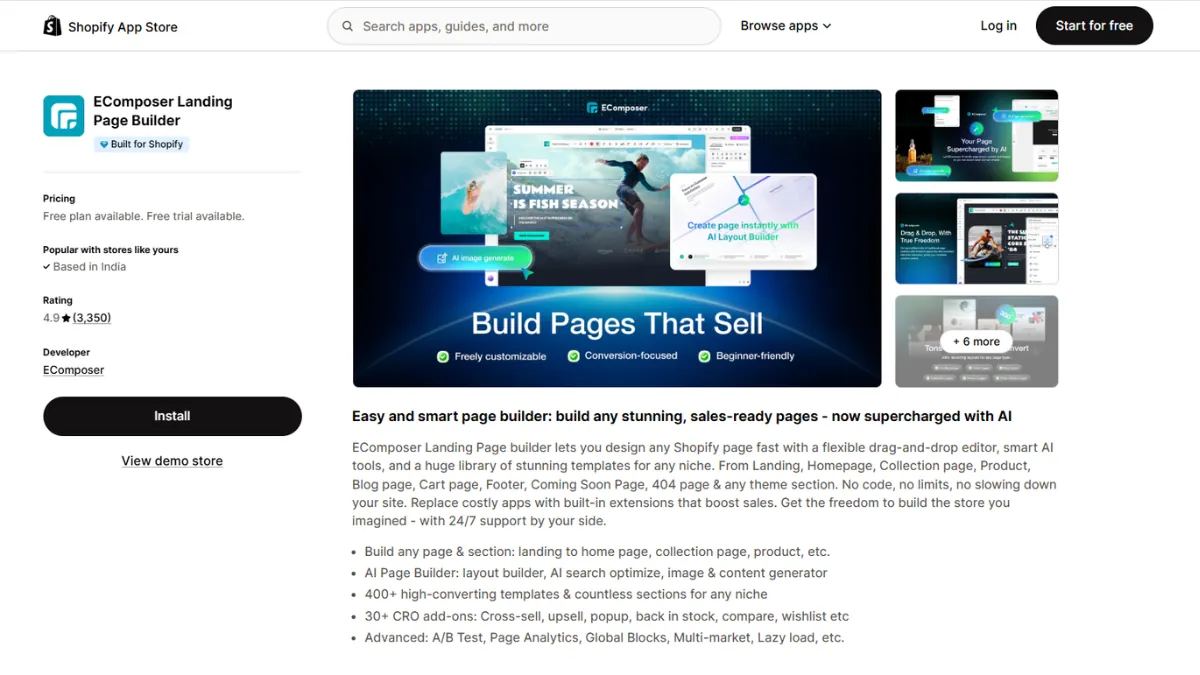
EComposer leads with template quantity: 400+ templates, 1,000+ section layouts, and 29+ built-in CRO extensions that would otherwise cost you separate app subscriptions. It’s fully compatible with Online Store 2.0 themes.
Those built-in CRO extensions include things like sticky add-to-cart bars, countdown timers, and trust badges, features many merchants would otherwise pay for as separate apps. The editor itself is drag-and-drop and beginner-friendly, and templates can be applied across multiple pages at once instead of rebuilt individually. For a merchant managing dozens of product pages, that shared-template approach saves real setup time compared to editing each page from scratch.
Good for: Merchants just starting out who want a large template library without paying right away.
Pricing: Generous free plan. Paid plans start around $19/month for unlimited published pages.
Watch out for: Downgrading your plan later can force you to unpublish pages that exceed your new limit.
4. Shogun — Best for Established Brands and Agencies
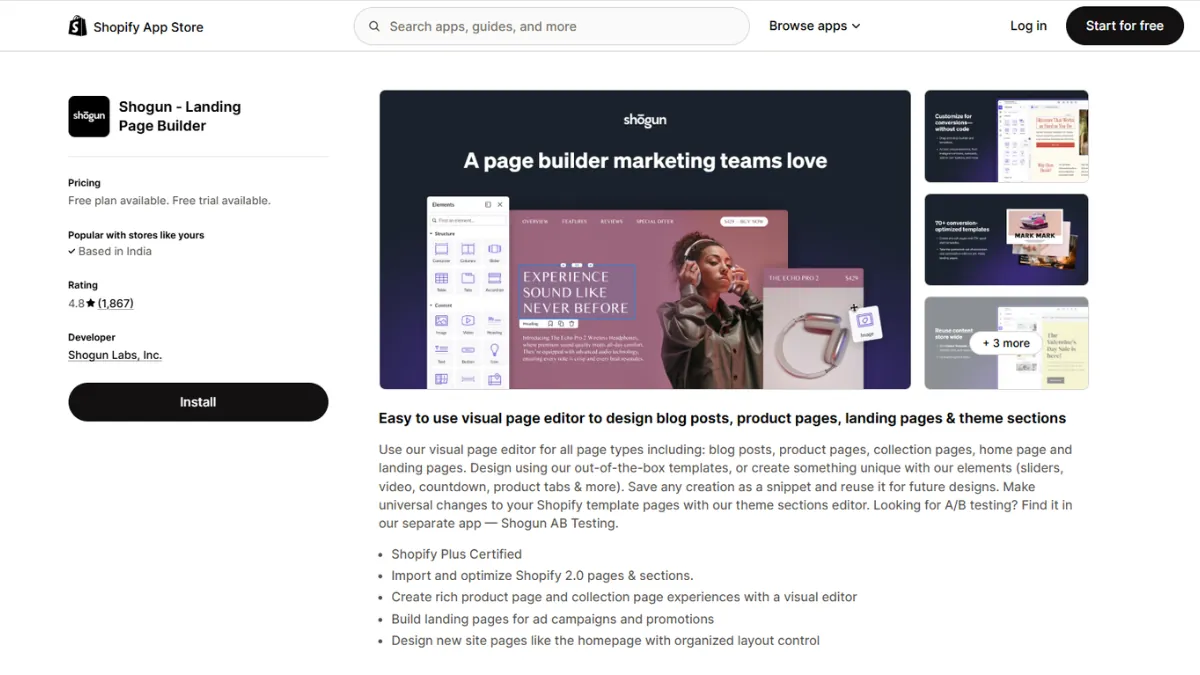
Shogun is the oldest page builder in this list, with the largest enterprise install base. It’s built for teams: proper user roles, permissions, and multi-store sync for brands running several regional storefronts.
That team-first design shows up in details smaller builders skip, like assigning different editing permissions to marketing versus design staff, or pushing the same page layout across multiple regional stores at once. Shogun also includes native A/B testing on its higher tiers, along with analytics that go beyond basic page views. For an agency managing several client stores, that centralized control is often worth more than a flashier interface.
Good for: Shopify Plus merchants and agencies managing multiple stores or a large team.
Pricing: Starts around $39/month, scaling up to $249+/month for advanced testing tiers.
Watch out for: Shogun ships its own runtime to power the editor, which gives it a heavier performance footprint than lighter builders. Test load times before committing.
5. Zipify Pages — Best for Funnels and Ad Campaigns
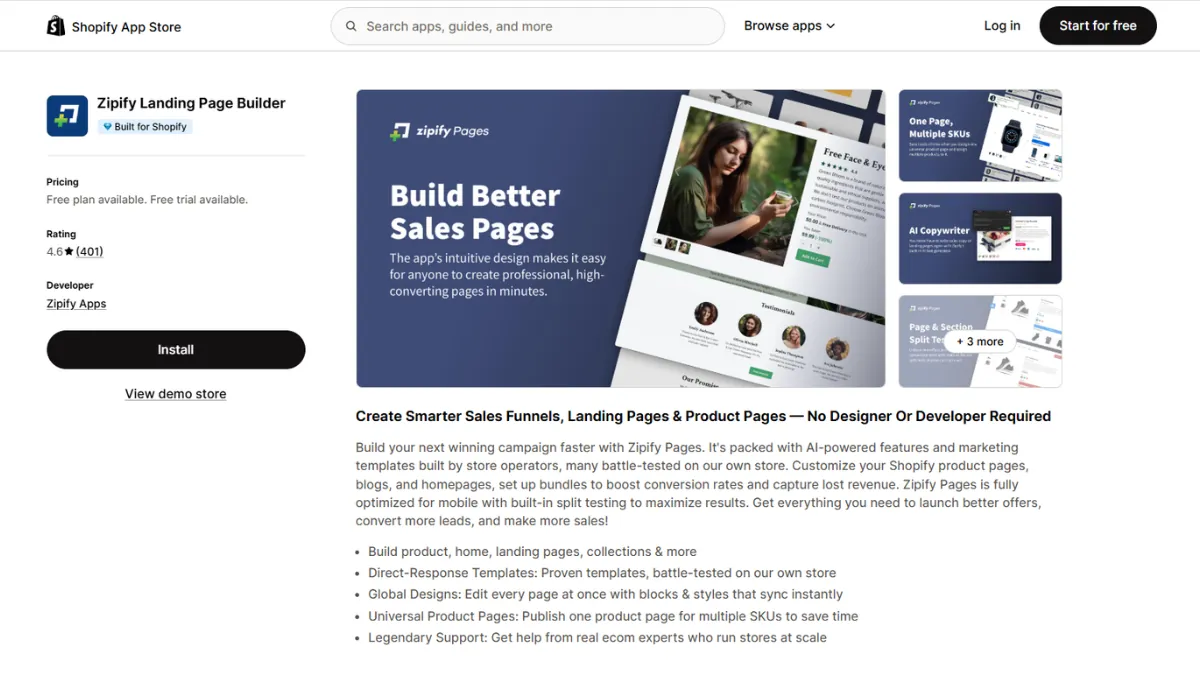
Zipify Pages was built by the team behind a well-known nine-figure Shopify store, and the templates reflect that: they’re tested through real split tests on high-volume ad traffic, not just designed to look good.
Every template is built around a specific funnel goal, like a pre-launch waitlist page, a limited-time offer, or a post-purchase upsell, rather than being a generic blank canvas. Native split testing on higher plans lets you run two ad landing pages side by side and shift traffic toward the one converting better. For a merchant running a Cosmetics Shopify Store with Facebook or TikTok ad campaigns, that direct-response focus can help improve conversions and reduce customer acquisition costs compared with general-purpose builders.
Good for: Stores running paid ad campaigns that need funnel pages, upsells, and post-purchase offers.
Pricing: Starts around $19/month.
Watch out for: It’s built for funnel-style pages specifically, so it’s less flexible for general storefront design.
6. Replo — Best for High-Traffic, High-Performance Stores
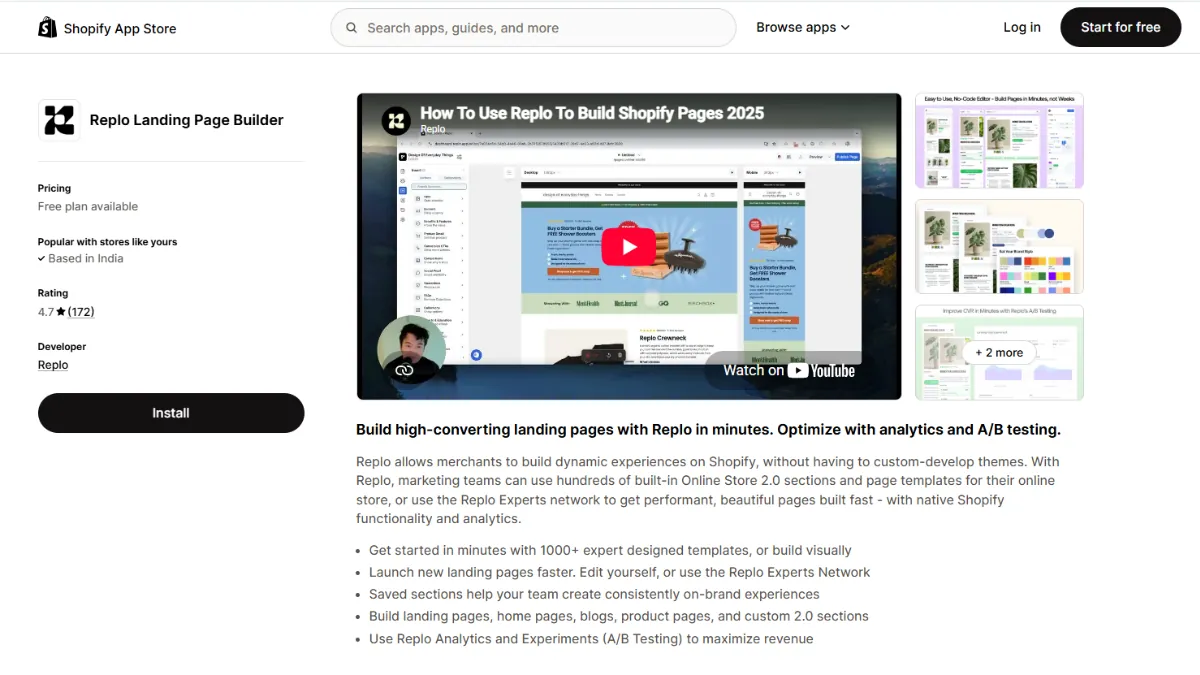
Replo is built for performance marketing teams running serious ad spend. It’s less about building your whole storefront and more about shipping fast, high-converting landing pages at scale.
The editor is built for speed at both ends: fast for developers and marketers to build in, and fast for the resulting page to load for visitors. That focus tends to show up in Lighthouse scores that beat heavier general-purpose builders running on the same store. It’s the kind of tool a performance marketing team reaches for when every extra second of load time is directly costing ad-spend efficiency, not just a nice-to-have improvement.
Good for: Stores with significant paid traffic that need landing pages optimized purely for conversion and speed.
Pricing: Entry plans start around $119/month.
Watch out for: The price jump compared to other builders is steep, and it’s overkill for a small or early-stage store.
7. Instant — Best for Figma-First Design Teams
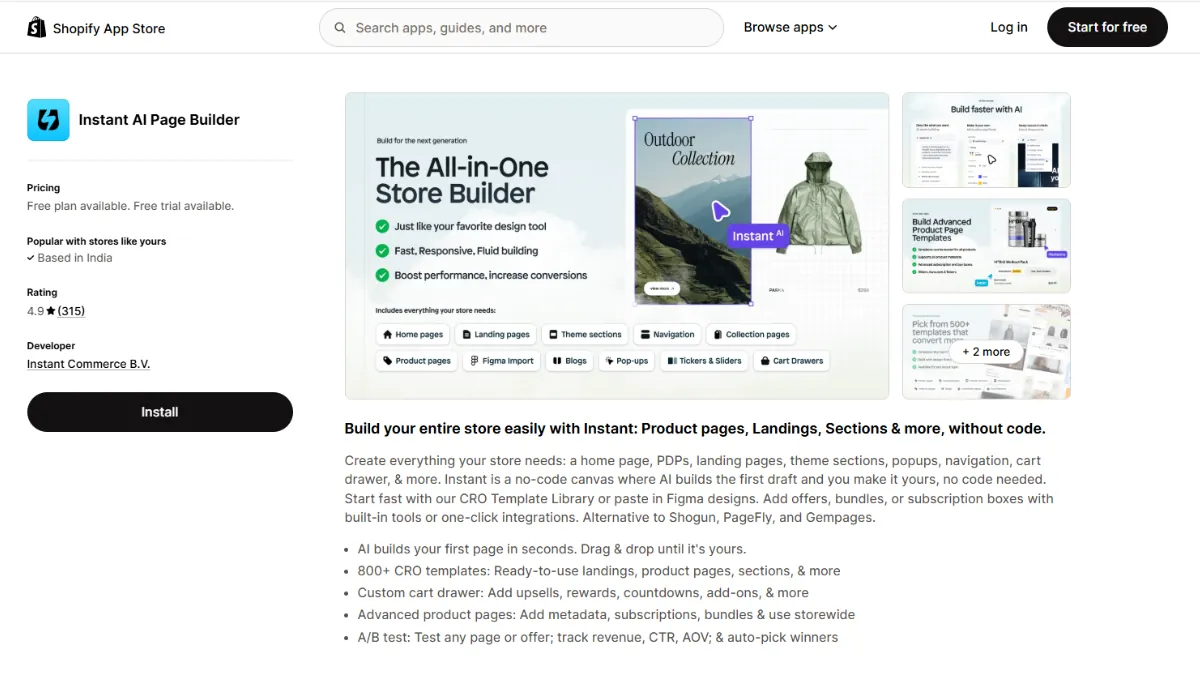
Instant imports designs directly from Figma and outputs native code, closing the gap between design and development. If your design team already works in Figma, this eliminates a lot of redundant rebuild work.
Instead of a designer handing off static mockups for someone else to rebuild in a separate editor, Instant turns the Figma file itself into a working page. That cuts out an entire round of back-and-forth between design and implementation, which is often where launches get delayed. Built-in A/B testing on Pro and Business plans means design teams can ship a page and validate it without waiting on a developer to wire up testing separately.
Good for: Stores with an in-house or agency design team already working in Figma.
Pricing: Starts around $31/month.
Watch out for: The main advantage disappears completely if your team doesn’t already design in Figma.
8. Shopify’s Native Theme Editor — Best Free, Built-In Option
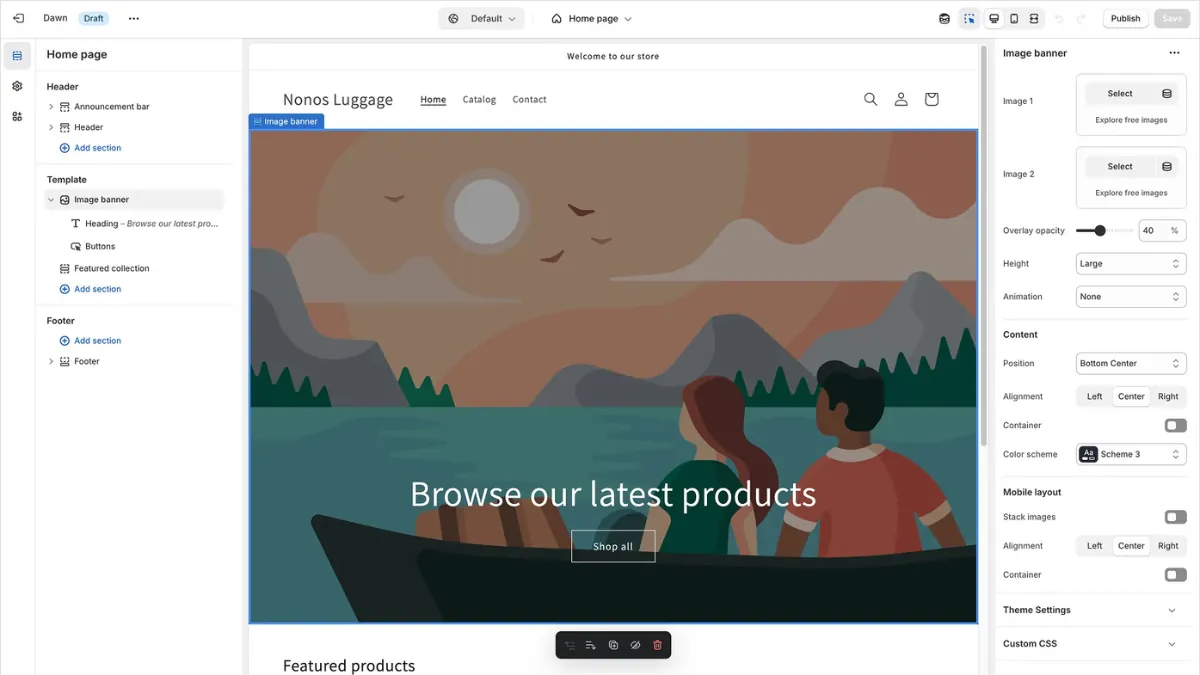
It’s easy to forget this is an option at all. Online Store 2.0 themes, like Dawn, let you rearrange sections and blocks without installing anything. Since it doesn’t load extra third-party JavaScript, it carries none of the page speed penalty that app-based builders can add.
Every Online Store 2.0 theme ships with a set of built-in sections, image banners, featured collections, and rich text blocks that you can drag into any order directly in the Shopify admin. For a merchant running a Shopify Food Store, this makes it easy to reorder existing sections or swap out images before a seasonal sale without adding a single app. The trade-off is real customization: anything outside your theme’s existing sections still requires either custom Liquid code or a dedicated builder app.
A gaming website template can help gaming brands structure product showcases, promotional banners, and content sections before adding further customizations.
Good for: Merchants who just need to rearrange existing sections rather than build a fully custom layout.
Pricing: Free, included with every Shopify plan.
Watch out for: No A/B testing, no custom CRO blocks, and your design options are limited to what your theme supports.
A quick honorable mention: Section Store isn’t a full page builder, but a marketplace of native .liquid sections you can add individually. Purchases start around $9 one-time, with no ongoing subscription and no page speed hit. If you only need to fill a couple of gaps in your theme, it’s worth checking before installing a full builder app.
Quick Comparison Table
| App | Starting Price | Best For | Free Plan |
| PageFly | Free plan; from $24/mo | All-around use | Yes |
| GemPages | Free plan (1 page); from $29/mo | Templates & AI tools | Yes |
| EComposer | Free plan; from $19/mo | Beginners | Yes |
| Shogun | From $39/mo | Agencies & enterprise | Trial only |
| Zipify Pages | From $19/mo | Funnels & ad campaigns | Trial only |
| Replo | From $119/mo | High-traffic performance stores | Preview only |
| Instant | From $31/mo | Figma-based design teams | Free plan |
| Native Theme Editor | Free | Simple layout changes | Always free |
How to Choose the Right Page Builder for Your Store
The right pick depends on your stage, your traffic, and how your team actually works.
- For new Shopify stores, EComposer’s or PageFly’s free plan is a good place to start. Both let you launch a professional page before spending anything.
- For brands in visual categories like beauty, food, or home goods, GemPages’ template library and AI section helper can save you real design time.
- When paid advertising is a major focus, Zipify Pages gives you funnel and upsell templates already tested on real ad traffic.
- For Shopify Plus brands or agencies managing multiple stores, Shogun’s team permissions and multi-store sync are worth the higher price.
- If ad spend is high and page performance matters, Replo is built specifically for that scale.
- For teams designing in Figma, Instant can eliminate much of the usual design-to-development rebuild.
- If your goal is simply to rearrange sections already available in your theme, you may not need an app at all. The native theme editor is free and won’t add a single extra script to your store.
How to Implement a Page Builder App on Your Shopify Store
- Confirm your theme is Online Store 2.0 compatible. Check Online Store > Themes in your Shopify admin. Most current free and paid themes qualify.
- Duplicate your current theme before installing anything. This gives you a safe copy to roll back to if a page doesn’t turn out right.
- Install the app from the Shopify App Store. Search for your chosen builder, click Add App, and approve the permissions it requests.
- Start from a template close to what you need. Every app on this list includes a template library — import one instead of building from a blank canvas.
- Customize using the drag-and-drop editor. Swap in your own product images, copy, colors, and buttons.
- Decide where the page lives. Set it as a homepage override, a specific product page, or a standalone landing page URL, depending on what you’re building.
- Preview on mobile before publishing. Switch to the editor’s mobile view and fix any spacing or overlap issues.
- Check page speed. Run the published page through Shopify’s built-in speed report or Google PageSpeed Insights.
- Publish, then monitor for 1–2 weeks before deciding whether to upgrade your plan or rebuild additional pages.
Best Practices for Using a Shopify Page Builder App
- Rebuild your highest-traffic pages first, not your whole store at once. Your homepage and top product pages give you the fastest read on whether the app is worth it.
- Use the app’s built-in CRO elements before installing separate apps for reviews, countdowns, or upsells. Fewer apps means less combined JavaScript weight.
- Track your total app footprint. A reviews app, a popup app, a loyalty app, and a page builder together can easily push your page weight past 1MB.
- Match the app to your theme version. Confirm Online Store 2.0 compatibility so pages don’t break if you ever switch themes.
- Check pricing at your real traffic level, not just the entry-tier price. Per-page and per-visitor pricing models behave very differently as you scale.
- Turn on A/B testing (where available) for any page you’re sending ad traffic to. Guessing what converts costs more than testing it.
Common Mistakes to Avoid
- Rebuilding your entire store on day one. Test on one page first and confirm the results before going further.
- Ignoring page speed after publishing. A beautiful page that loads slowly will quietly cost you conversions.
- Choosing a builder on template looks alone, without checking what it actually costs once your traffic or page count grows.
- Skipping the Online Store 2.0 compatibility check. Installing an incompatible builder on an older theme leads to broken layouts.
- Stacking too many separate apps. Each one adds its own script, and it adds up faster than most merchants expect.
- Forgetting that builder pages depend on the app. Uninstalling a page builder later can break every custom page it created, so keep that in mind before you commit long-term.
Conclusion
The Best Shopify page builder apps for 2026 all solve the same core problem: getting you past your theme’s limits without hiring a developer for every layout change. What separates them is price, performance, and who they’re actually built for.
PageFly remains the safest all-around pick for most merchants. GemPages and EComposer are strong if templates and price matter most. Shogun and Replo make sense once you’re managing serious scale or ad spend. And for simple layout tweaks, your store’s native theme editor is still free and worth trying first.
Need help wiring a page builder into your theme without breaking your existing sections? A Shopify developer can get the setup right the first time and save you the trial and error.
Frequently Asked Questions
PageFly offers the most generous free plan, including full features and 24/7 support. EComposer is a close second, with a large template library available at no cost.
They can, since every app adds its own JavaScript on top of your theme. PageFly and native theme sections tend to have the lightest footprint, while apps like Shogun and Replo ship heavier runtimes. Always check your page speed after publishing.
Neither wins outright. PageFly offers the most generous free plan and widest feature set. GemPages has a stronger template library and AI section tools, which suits visually driven brands better.
Most modern page builder apps require an Online Store 2.0 compatible theme. Check your theme version in Shopify admin before installing, since older themes may not support these apps fully.
Not always. If you only need to rearrange existing sections, the native editor is free and adds no extra load time. A dedicated app becomes worth it once you need custom layouts, A/B testing, or CRO blocks your theme doesn’t offer.
Pricing ranges from free (native theme editor, or entry-level app plans) to $19–$49/month for most mid-tier apps, and $119+/month for enterprise-focused tools like Replo. Total cost depends on your page count or traffic volume.
Pages built with a third-party app are usually tied to that app’s code. Uninstalling it can break or remove those custom pages, so it’s worth exporting content or rebuilding key pages natively before you cancel.
Zipify Pages is built specifically for funnel and ad-driven pages, with templates tested on real ad traffic. Replo is the stronger choice once your ad spend and traffic reach enterprise scale.