
Whether you’re launching a new online store or improving an existing one, choosing the right payment gateway is an important part of building a successful ecommerce business. Before creating your storefront, explore Premium Shopify Themes to find a suitable design for your business. The payment experience can influence how customers complete their purchases, how smoothly you manage transactions, and how efficiently your business operates.
With different payment providers offering various features, pricing plans, settlement options, and integration capabilities, finding the right solution requires careful consideration. A suitable payment gateway should meet your business requirements, support your customers’ preferred payment methods, and make the checkout process simple and convenient.
In this guide, we’ll cover the important factors to consider when choosing a Shopify payment gateway, compare popular options, and explain how to integrate one with your store. Whether you’re setting up payments for the first time or looking to improve your existing checkout experience, this guide will help you make an informed decision.
What Are Shopify Payment Gateways?
A Shopify payment gateway is a service that helps online store owners accept and process customer payments through their websites. It allows shoppers to pay for their orders using available payment methods while helping merchants manage transactions through their Shopify stores.
Depending on the provider, customers may be able to pay using credit cards, debit cards, UPI, digital wallets, bank transfers, or other supported options. A payment gateway securely transfers transaction information between the customer, merchant, and payment processor to complete a purchase.
What to Consider Before Choosing a Shopify Payment Gateway
Choosing a payment gateway involves more than comparing transaction fees. The right provider should support your business needs, offer convenient payment options, and make it easy for customers to complete their purchases. Before integrating a payment gateway with your Shopify store, consider the following factors.
1. Transaction Fees and Other Charges
Compare the transaction fees charged by different payment providers. Some gateways charge a percentage of each transaction along with a fixed fee, while others may have monthly, setup, or additional service charges. Check for international payment fees, currency conversion charges, and refund-related costs to understand the total expense.
2. Supported Payment Methods
Customers prefer different ways to pay depending on their location and shopping habits. Look for a gateway that supports commonly used options such as credit cards, debit cards, digital wallets, bank transfers, UPI, and other relevant local payment methods. Offering familiar choices can make checkout more convenient for your customers.
3. Country and Currency Availability
Not every payment gateway operates in every country. Check whether the provider supports your business location and the countries where your customers are based. If you sell internationally, consider gateways that accept multiple currencies and support cross-border transactions.
4. Security and Fraud Protection
Payment security is essential for protecting customer information and your business. Choose a provider that supports secure payment processing, encryption, fraud detection, and PCI DSS compliance. Features such as transaction monitoring and risk analysis can also help identify suspicious payment activity.
5. Shopify Integration and Compatibility
Make sure the payment gateway is compatible with Shopify and can be connected to your store without unnecessary technical work. Check whether it supports your store’s checkout setup, payment methods, and other essential features. A smooth integration helps you manage payments without disrupting the customer experience.
6. Payment Settlement Time
Settlement time refers to how long a payment provider takes to transfer collected funds to your business bank account. Some providers offer faster payouts, while others follow scheduled settlement cycles. Review the provider’s payout schedule, minimum settlement requirements, and any additional withdrawal charges before making a decision.
7. Checkout Experience
A complicated checkout process can make customers leave before completing their orders. Choose a payment gateway that offers a smooth and convenient payment experience across desktop and mobile devices. Check whether customers can complete payments directly through your store or need to visit an external payment page.
You should also consider how your storefront design supports the customer journey. Explore Shopify responsive themes to understand the importance of mobile-friendly store layouts.
8. Refunds and Customer Support
Refund handling should be simple for both merchants and customers. Check how the provider processes full and partial refunds, how long refunds usually take, and whether additional charges apply. Reliable customer support is equally important when you face failed transactions, payment disputes, or integration issues.
9. Scalability and Business Requirements
Your payment needs may change as your store grows. Consider whether the gateway can handle higher transaction volumes, international orders, and additional payment methods as your business expands. Choosing a provider that can support your future requirements can reduce the need to switch payment systems later.
10. Recurring Payments and Subscription Support
If your Shopify store sells subscription products or offers recurring services, check whether the payment provider supports recurring billing. Review its subscription features, automatic payment collection, and options for managing failed payments. This is particularly important for businesses that rely on repeat purchases.
Best Shopify Payment Gateways and Checkout Solutions
Choosing a payment gateway involves comparing more than just payment methods. You should also consider transaction fees, supported currencies, settlement timelines, security features, and integration requirements. Here are some payment gateway providers that Shopify merchants can consider for different business needs.
1. Shopify Payments
Shopify Payments is Shopify’s built-in payment processing solution. It allows eligible merchants to accept payments directly through their stores without connecting a separate payment gateway. Merchants can manage transactions, refunds, and payouts through the Shopify admin.
It supports major credit and debit cards, digital wallets, and additional local payment methods depending on the merchant’s country.
Key Features
- Integrated with the Shopify checkout.
- Accepts major credit and debit cards.
- Supports Shop Pay and eligible digital wallets.
- Provides payment tracking through Shopify admin.
- Offers built-in fraud analysis.
- Simplifies refunds and payout management.
2. PayPal
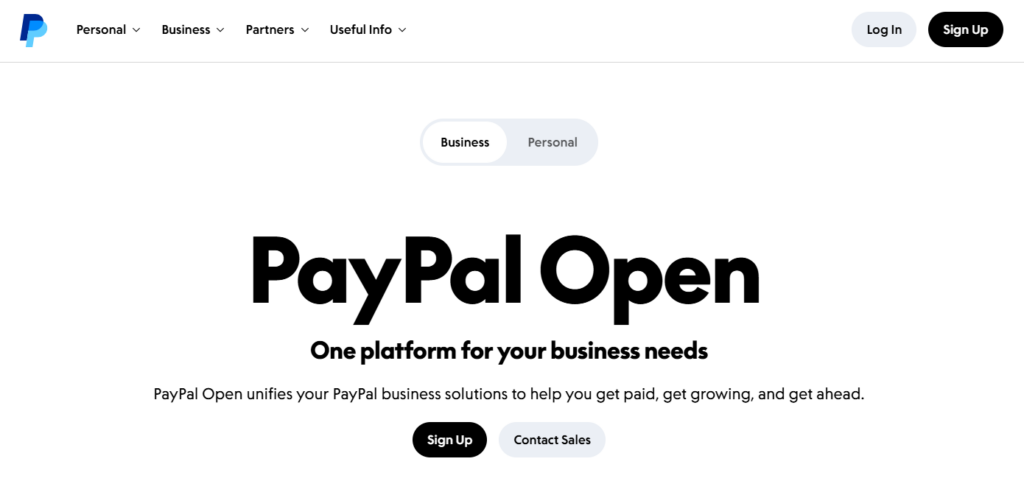
PayPal is a widely recognized online payment service that allows customers to make purchases using their PayPal balance, linked bank accounts, or supported credit and debit cards. It is a popular payment option for merchants who want to offer customers a familiar and convenient way to pay.
Eligible Shopify stores can connect PayPal through its supported integration and accept payments through their online checkout. It is suitable for merchants who want to offer a widely recognized payment option and support international customers.
Key Features
- Supports PayPal wallet payments.
- Offers credit and debit card processing through eligible checkout products.
- Supports international customer transactions.
- Provides transaction history and refund management.
- Includes buyer and seller protection programs subject to eligibility.
- Offers recurring payment capabilities through supported products.
3. Stripe
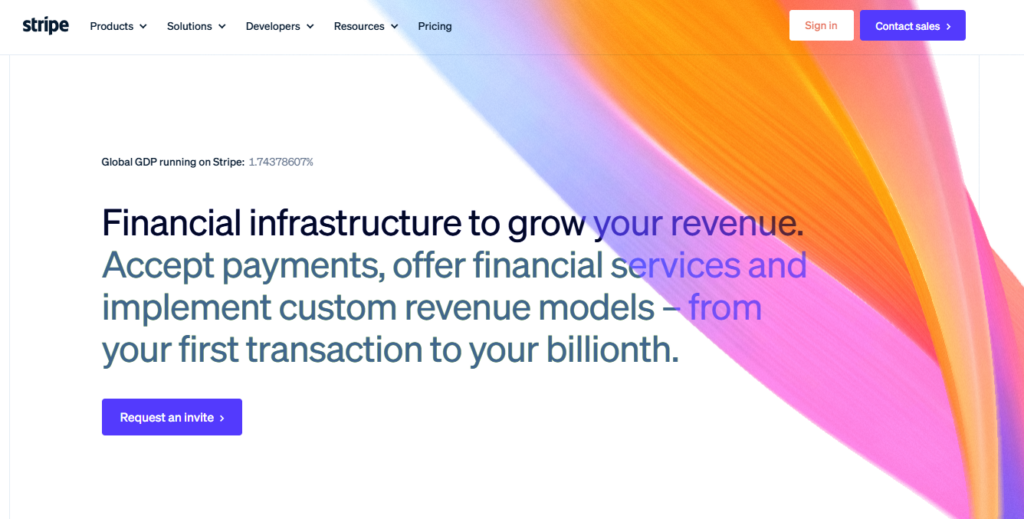
Stripe is a popular online payment processing platform that helps businesses accept and manage digital payments through their websites and online stores. It offers payment processing solutions for merchants who want to provide multiple payment methods and manage transactions across different markets.
Stripe supports credit and debit cards, digital wallets, and various local payment options depending on the customer’s location. Its availability and integration options depend on the merchant’s country and Shopify configuration.
Key Features
- Supports major credit and debit cards.
- Offers Apple Pay and Google Pay through supported integrations.
- Supports multiple currencies and international payments.
- Provides fraud prevention through Stripe Radar.
- Offers subscription and recurring billing tools.
- Includes transaction reports and developer APIs.
4. Authorize.Net
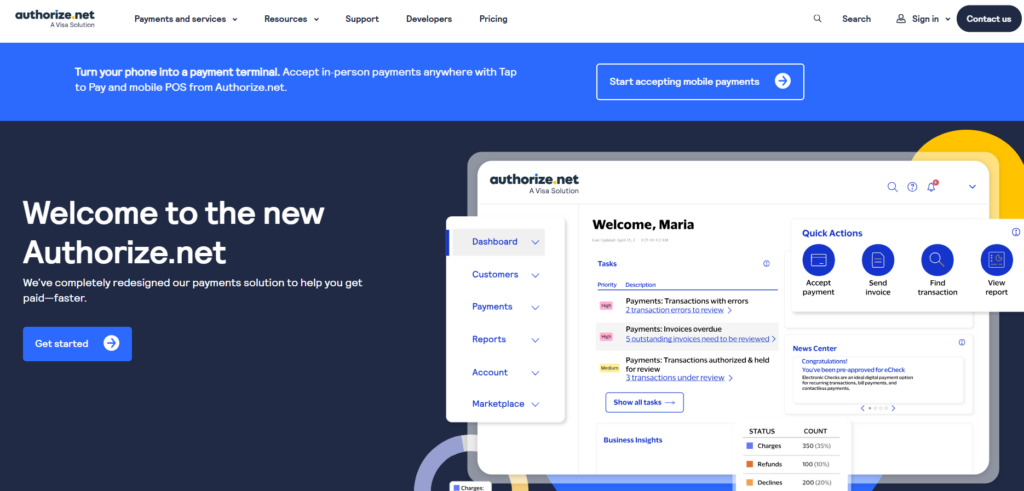
Authorize.Net is an online payment gateway that helps businesses accept and manage payments through ecommerce stores. It provides payment processing solutions for merchants who want to handle card transactions and manage payments through an eligible integration.
Shopify merchants can connect a supported Authorize.Net account to accept payments from customers during checkout. Its features make it worth evaluating for card payment processing, fraud prevention, transaction management, and recurring billing support.
Key Features
- Accepts major credit and debit cards.
- Supports Apple Pay and other eligible digital wallets.
- Provides automated recurring billing.
- Offers fraud detection tools.
- Includes transaction reporting.
- Supports refunds and customer payment management.
5. Adyen
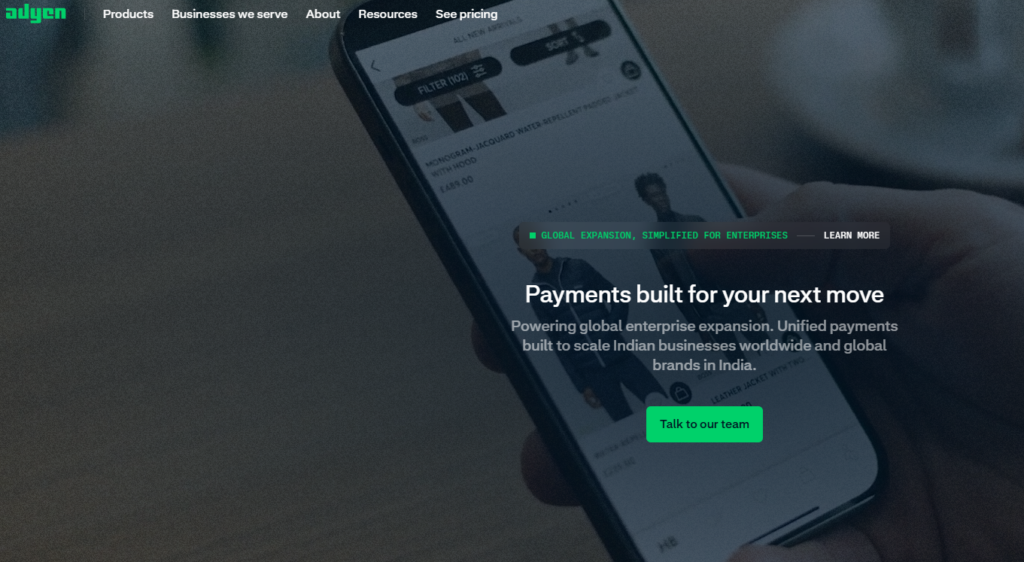
Adyen is a global payment platform that helps businesses accept and manage payments across multiple markets through a single system. It offers international payment processing and supports a range of payment methods for eligible businesses.
Its Shopify integration and availability depend on merchant eligibility and supported configurations. Adyen is worth considering for established and growing businesses that operate internationally and need centralized payment management.
Key Features
- Supports multiple international payment methods.
- Offers card and digital wallet processing.
- Provides fraud detection and risk management.
- Supports multi-currency transactions.
- Offers payment reporting and reconciliation.
- Provides enterprise-level payment infrastructure.
6. 2Checkout (Verifone)
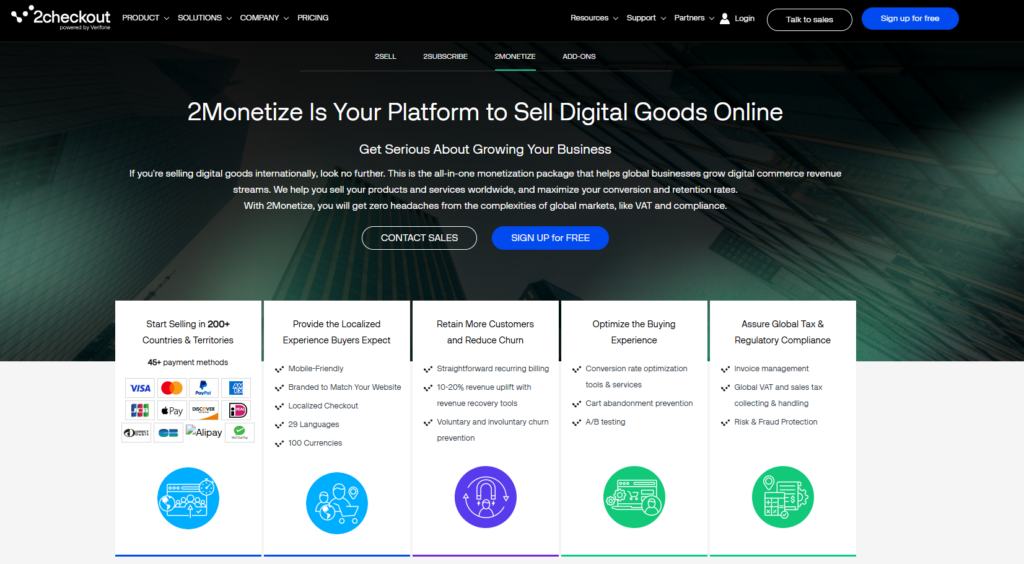
2Checkout, now part of Verifone, is a global payment platform that helps businesses sell products and services to customers across different countries. It provides payment processing and international selling solutions for eligible ecommerce merchants.
Its Shopify integration options may depend on the available connector and merchant eligibility. It is worth evaluating for businesses that need cross-border payment processing, recurring billing, and subscription management.
Key Features
- Supports international payment acceptance.
- Offers recurring billing options.
- Supports multiple currencies.
- Provides fraud prevention tools.
- Offers subscription management features.
- Includes payment reporting and transaction management.
7. Mollie

Mollie is a payment service provider that helps online businesses accept payments through cards, bank transfers, and region-specific payment methods. Its payment solutions allow eligible merchants to offer different payment options based on their customers’ locations.
It is particularly useful for businesses that want to support local European payment preferences. Before choosing Mollie, check its availability and Shopify integration for your business location.
Key Features
- Supports Visa and Mastercard.
- Offers Apple Pay and Google Pay through eligible methods.
- Supports local payment options such as iDEAL and Bancontact.
- Provides payment tracking and refund management.
- Supports multiple currencies.
- Offers recurring payment capabilities.
8. Worldpay
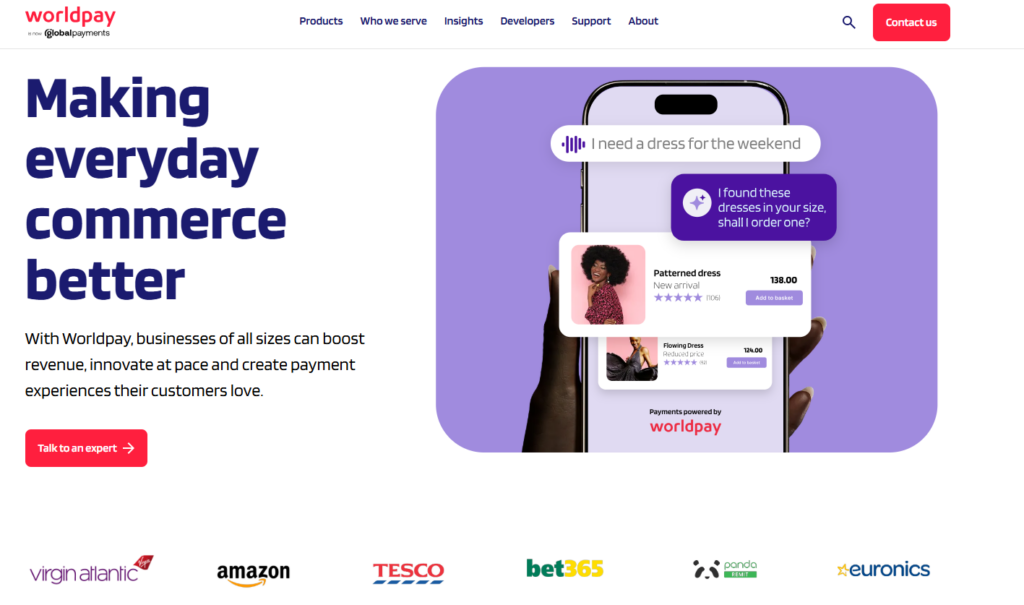
Worldpay is a payment provider that helps businesses accept online card payments through supported ecommerce integrations. Eligible Shopify merchants can connect their Worldpay accounts and process supported payment methods, including Visa, Mastercard, American Express, and other cards depending on the integration.
It is worth considering for businesses looking for an established provider with card payment processing, fraud protection, and transaction reporting.
Key Features
- Supports major card networks.
- Provides online payment processing.
- Offers payment reporting and transaction management.
- Supports multi-currency configurations where eligible.
- Provides security and authentication features.
- Offers dedicated merchant support.
9. Razorpay
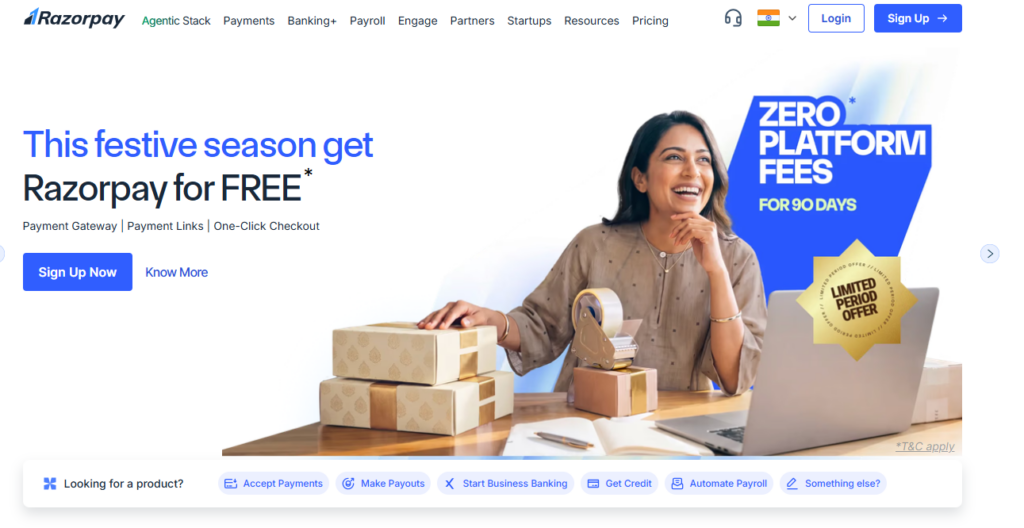
Razorpay is an online payment provider that helps businesses collect payments through different payment methods. It supports cards, UPI, net banking, wallets, and other eligible payment options.
It can be a suitable option for businesses operating in India that want to offer customers familiar local payment methods. Merchants should confirm the current Shopify integration and eligibility before activating the service.
Key Features
- Supports UPI and major card networks.
- Offers net banking and wallet payments.
- Provides payment links and subscription tools.
- Includes refund and transaction management.
- Offers fraud monitoring capabilities.
- Supports international payments for eligible merchants.
10. PayU

PayU provides online payment processing services for ecommerce businesses. It supports multiple payment methods and provides tools to manage transactions, refunds, and payment reporting.
Its payment solutions can be useful for businesses that want to offer customers different ways to complete their purchases. Review its supported Shopify integration, pricing, and merchant eligibility before making a decision.
Key Features
- Supports credit and debit cards.
- Offers UPI and net banking options.
- Supports wallets and BNPL options where eligible.
- Provides payment tracking and transaction reporting.
- Offers refund management.
- Supports international card transactions for approved merchants.
How Much Do Shopify Payment Gateways Cost in India?
Payment gateway costs are an important consideration when managing an ecommerce business. However, merchants should understand that the total payment processing cost may include charges from both the payment provider and Shopify. There are two main costs to consider.
1. Payment Gateway Processing Fees
Third-party payment providers charge transaction fees based on their pricing plans, payment methods, and merchant agreements. For example, domestic card transactions, UPI payments, international cards, and EMI transactions may have different charges.
Some providers also offer introductory pricing or promotional plans. Always check the standard pricing, settlement charges, refund policies, and eligibility conditions before registering.
2. Shopify Third-Party Transaction Fees
Shopify may charge additional transaction fees when merchants use third-party payment providers instead of Shopify Payments. These fees vary according to the Shopify subscription plan and applicable pricing in your region.
For example, Shopify’s listed third-party transaction fee rates may differ across Basic, Grow, and Advanced plans. Always check the current Shopify pricing page before making a decision because rates and terms can change.
These fees are separate from the payment provider’s processing charges. For example, if a customer places a prepaid order worth ₹2,000, your total payment processing cost may include the gateway fee, Shopify’s applicable third-party transaction fee, and relevant taxes.
Therefore, compare the combined cost before selecting a provider. Also check Shopify’s current pricing and the gateway’s latest merchant agreement because charges can change.
How to Set Up a Payment Gateway on Shopify
The setup process depends on the provider you select, your business location, and the payment methods you want to offer. Follow the steps below to activate Shopify Payments or integrate an external payment provider.
Setting Up Shopify Payments
Step 1: Log in to your Shopify admin.
Sign in to your Shopify account and open your store’s admin dashboard.
Step 2: Open the payment settings.
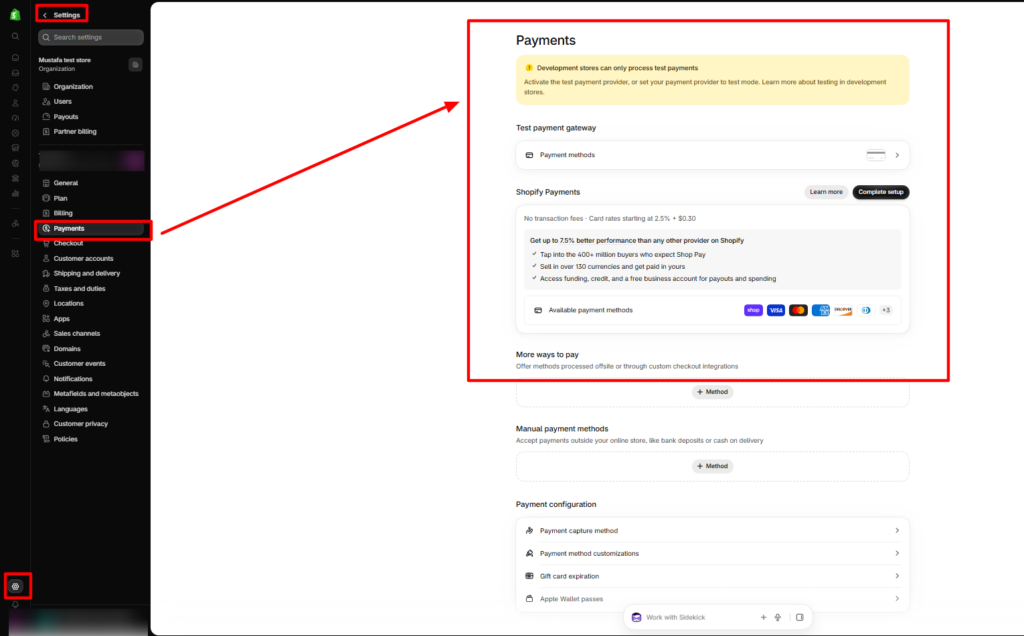
Go to Settings > Payments to check which payment providers are available for your store.
Step 3: Select Shopify Payments.
If Shopify Payments is supported in your country, choose the option to begin the setup process. Click Complete account setup if Shopify asks you to provide additional information.
Step 4: Enter your business information.
Provide the requested business details, account holder information, and bank account details for receiving payouts. Submit any identification documents required for verification.
Step 5: Review and activate the setup.
Save your details and complete the remaining verification steps. Return to the Payments section to check whether Shopify Payments is active or requires further action.
Adding a Third-Party Payment Gateway
If you prefer to use another payment provider, you can connect a compatible third-party gateway through your Shopify admin.
Step 1: Navigate to payment settings.
Open your Shopify admin and go to Settings > Payments.
Step 2: Search for a payment provider.
Review the available providers and find one that supports your business location, preferred payment methods, and Shopify store.
Step 3: Select the provider.
Choose your preferred gateway and follow the instructions shown in Shopify. Some providers may require you to install an app or connect an existing account.
Step 4: Sign in to your provider account.
Log in to your payment provider account or register for a new one. Enter the required business details and complete its verification process.
Step 5: Finish the integration.
Follow the provider’s activation instructions and return to Shopify’s Payments section to confirm that the payment method has been enabled.
Step 6: Test the payment process.
If test mode is available, use it to check the checkout experience, transaction responses, and order status updates before accepting real payments.
If you’re still setting up your store, you may also find our guide on how to connect a domain to Shopify helpful.
How Payment Options Work With Your Shopify Store Design
Payment gateways handle transactions, but your Shopify theme shapes the shopping experience customers have before they reach checkout. Product presentation, navigation, collection layouts, and mobile responsiveness all contribute to how easily shoppers browse your store and decide what to purchase.
When planning your storefront, consider how to customize Shopify theme that suits your products, brand identity, and customer expectations. You can also browse Shopify themes to buy and compare designs for different industries.
For fashion and lifestyle businesses, the Vestra preset of the Nexus Beauty Shopify theme offers a storefront design for presenting products and organizing collections. Its customizable sections and shopping-focused features can help merchants create a consistent store experience.
A well-designed theme and a suitable payment gateway serve different purposes. Your theme supports product discovery and storefront usability, while payment providers manage transactions. Actual checkout features and payment availability depend on Shopify, your selected provider, subscription plan, and business location.
Conclusion
Choosing the right payment solution is an important part of managing a successful Shopify store. The best Shopify payment gateways can help you accept different payment methods, from UPI payments to international card transactions, while making checkout and payment management easier.
Before making a decision, compare the available payment methods, processing charges, settlement timelines, security features, and Shopify integration requirements. Also consider how your payment needs may change as your business grows.
With the right Shopify payment gateway, you can offer customers a convenient checkout experience, simplify transaction management, and build a payment setup that supports your store’s long-term growth.
Frequently Asked Questions
1. Which are the best Shopify payment gateways in India?
Some popular payment providers to evaluate include Razorpay, Cashfree Payments, PayU, CCAvenue, BillDesk, Paytm, and PhonePe. The best option depends on your preferred payment methods, pricing, Shopify compatibility, and business requirements.
2. Can I use Shopify Payments in India?
Shopify Payments availability depends on the country where your business is registered. Check the payment providers available in your Shopify admin to confirm whether Shopify Payments can be activated for your store.
3. Can I accept UPI payments on Shopify?
Yes. You can accept UPI payments through compatible third-party payment providers that support UPI transactions and offer Shopify integration.
4. Can I use multiple payment gateways on Shopify?
Shopify supports different payment configurations, but the providers and combinations available depend on your store’s region and payment settings. Check the options available in your Shopify admin before activating additional providers.
5. Do Shopify payment gateways charge transaction fees?
Yes. Payment providers generally charge processing fees based on transaction type and merchant pricing. Shopify may also charge third-party transaction fees depending on your subscription plan and payment configuration.
6. How long does it take to receive payments from Shopify?
The settlement timeline depends on your selected payment provider, account verification, transaction type, and settlement schedule. Some providers offer next-day settlements, while others may follow different timelines.
7. Can I accept international payments through Shopify?
Yes, provided your selected payment provider supports international transactions and your merchant account is eligible. Check international card acceptance, currency conversion, settlement currency, and applicable fees before activating the service.