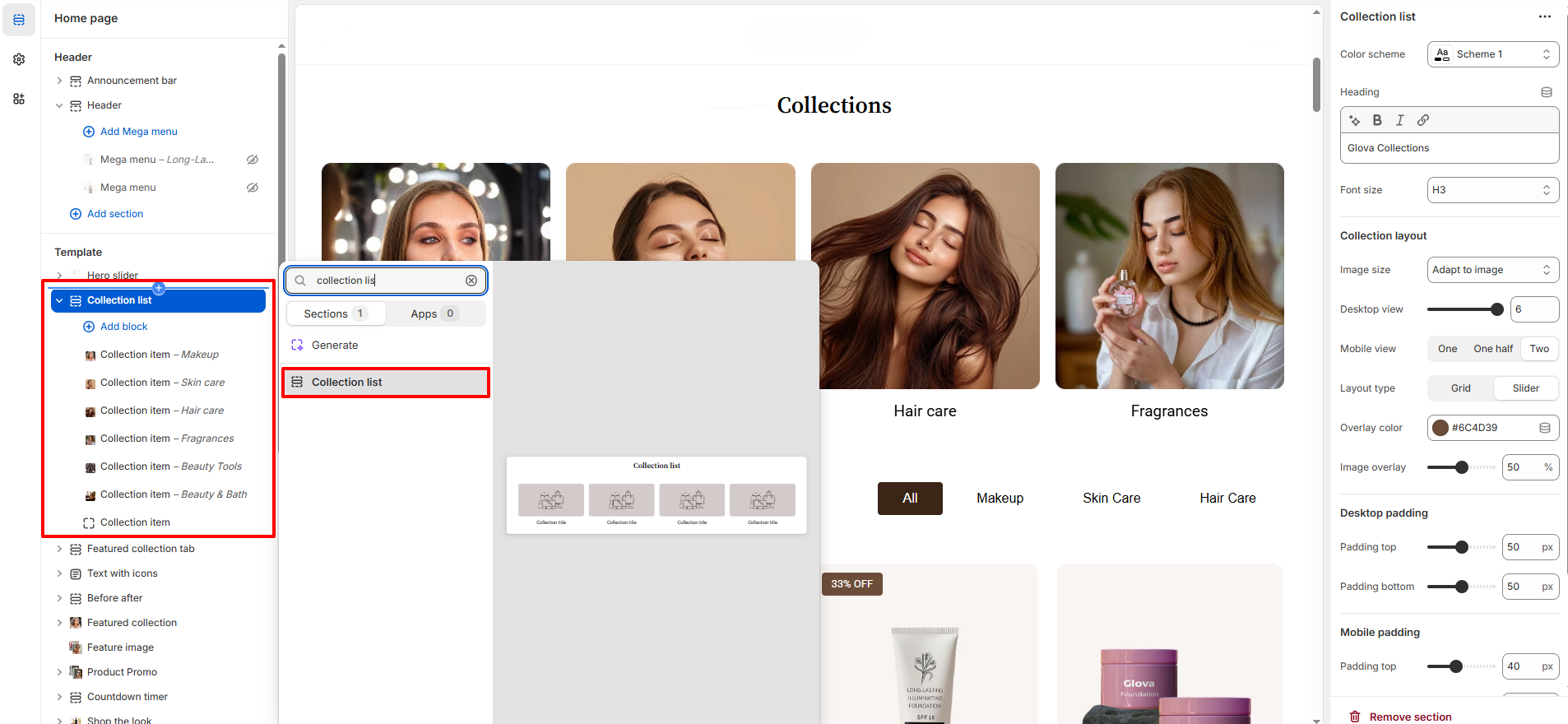
Collection List Section – Nexus
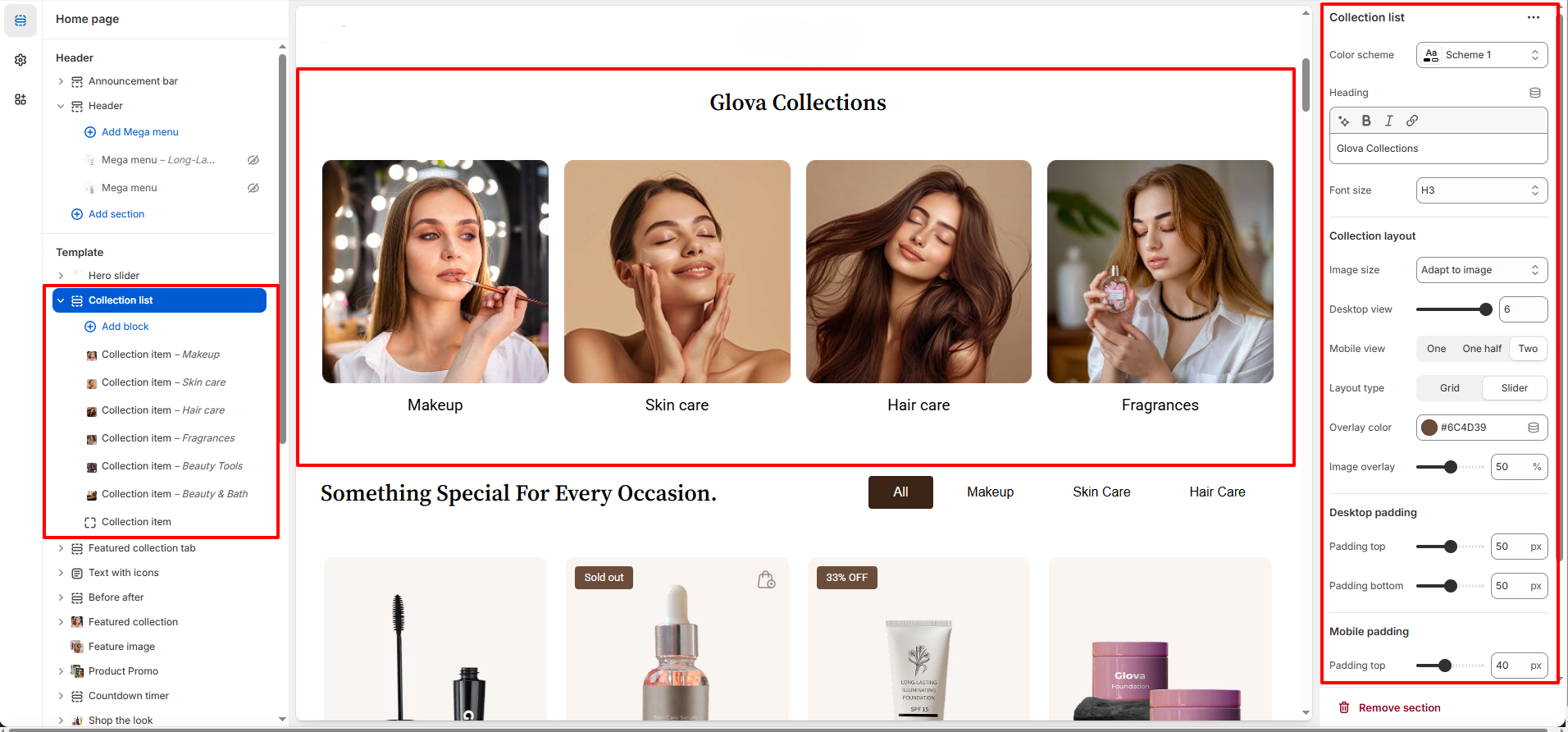
The Collection List section in Nexus lets you display multiple product collections in a sleek grid or carousel layout.
This section is perfect for directing customers to various beauty product categories straight from your homepage—or any page where you add it.
With its modern design, it’s fully optimized to complement the look and feel of new and trendy beauty stores.
Features of the Collection List Section :
- Display multiple collections with images and titles.
- Set custom image size as Adapt to Image,Square and Landscape.
- Fully responsive for desktop and mobile.
- Overlay & Styling controls customize overlay color and transparency to enhance your product images and maintain Nexus’s signature aesthetic.
How to Set Up the Collection List :
- Go to Online Store → Themes → Customize.
- Click Add section and select Collection List from the section list.
- In the settings panel, configure the following options.