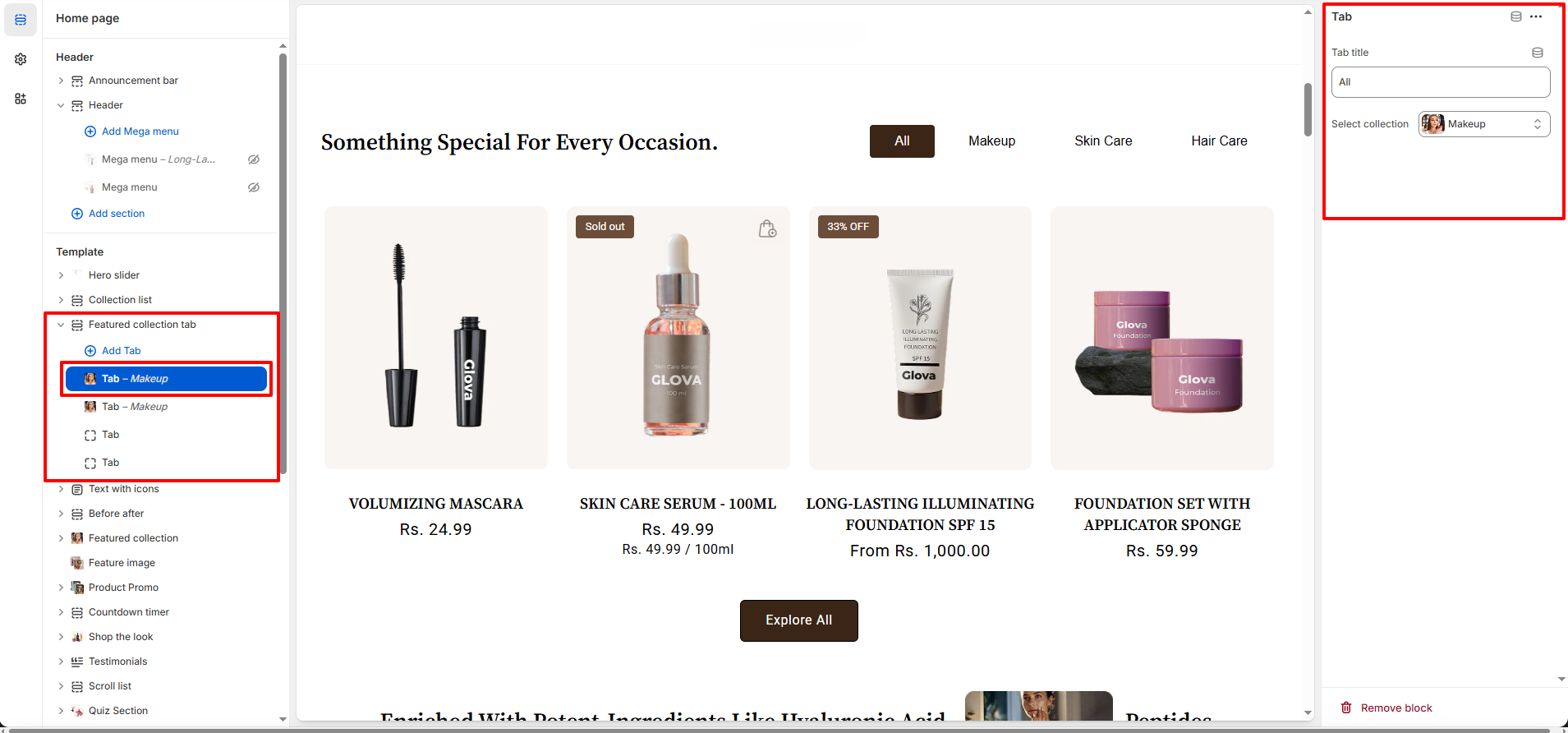
Featured Collection Tab Section – Nexus
The Featured Tab section in Nexus allows you to display multiple beauty collections in an elegant tabbed layout.
Customers can effortlessly switch between tabs to explore different products, collections, or content without navigating away from the page.
This makes it perfect for highlighting various beauty categories or featured content you want to present in a clean, organized tab format.
Features of the Collection List Section:
- Add custom tab titles for each tab.
- Link it to specific collection.
- Fully responsive design works seamlessly on desktop and mobile.
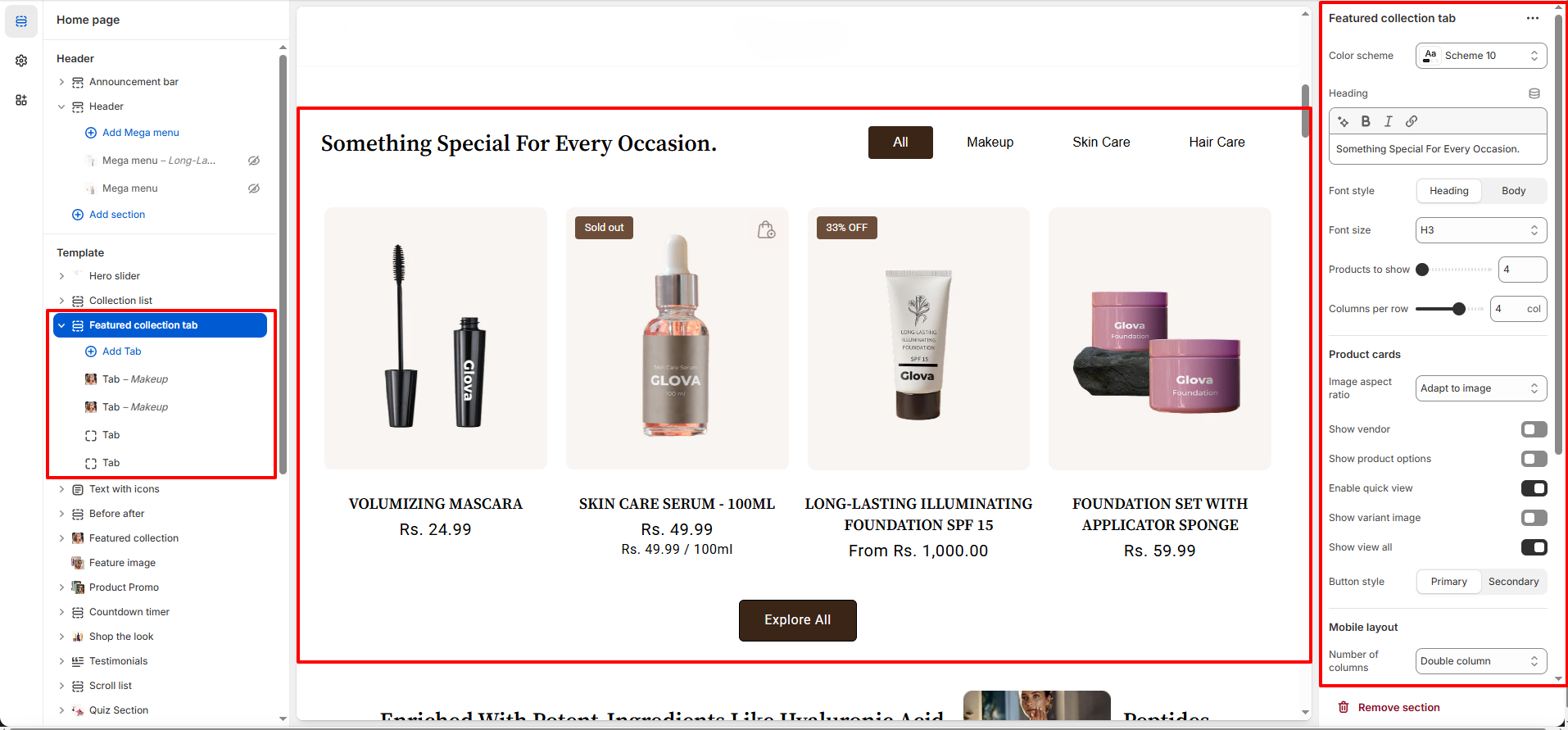
How to Set Up the Collection List:
- Go to Online Store → Themes → Customize.
- Scroll to the Featured Tab section or add it by clicking Add section → Featured Collection Tab.
- In the settings panel, configure the following.