Hero slider Section – Nexus
The Hero Slider in Nexus offers powerful customization options to create an eye-catching banner that showcases your brand and products beautifully.
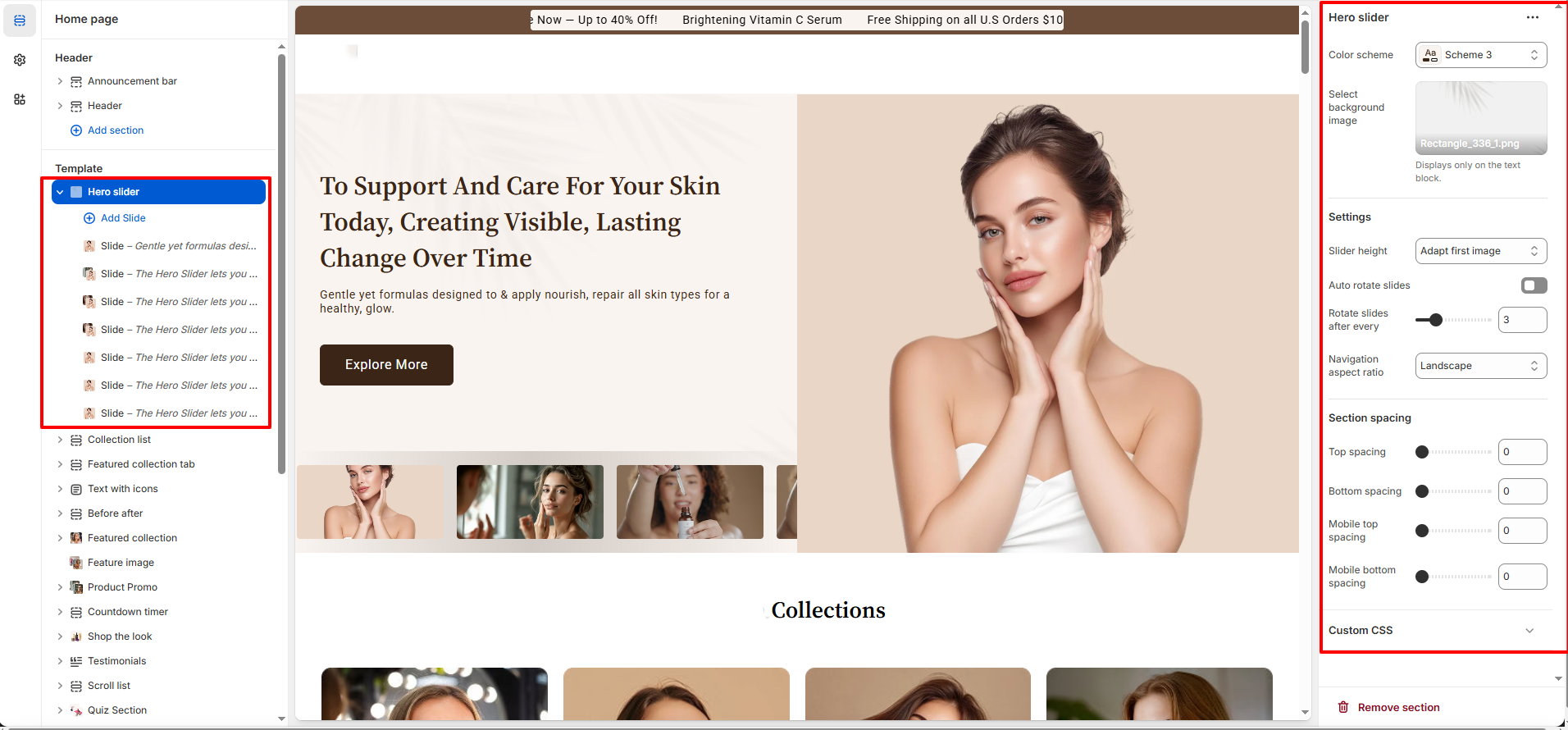
Features of the Hero slideshow Section:
- Multiple Slides: Add multiple custom slides with individual settings.
- Color Scheme: Select from predefined color schemes to match your store’s branding.
- Background Image: Upload a unique background image for Section.
- Slider Height: Choose how tall your slider appears, with options like Adapt to first image or Full-screen.
- Auto Rotate Slides: Enable or disable automatic slide rotation, and set the duration (in seconds) between rotations.
- Navigation Aspect Ratio: Customize the navigation style with options such as Landscape for better slide control.
-
Additonal Features
- Text Container: Optionally include a text block featuring a heading, subheading, and customizable call-to-action button.
- Responsive Design: :Fully responsive layout ensures your slider looks great on all screen sizes.
- Spacing: Full Spacing control (desktop & mobile).
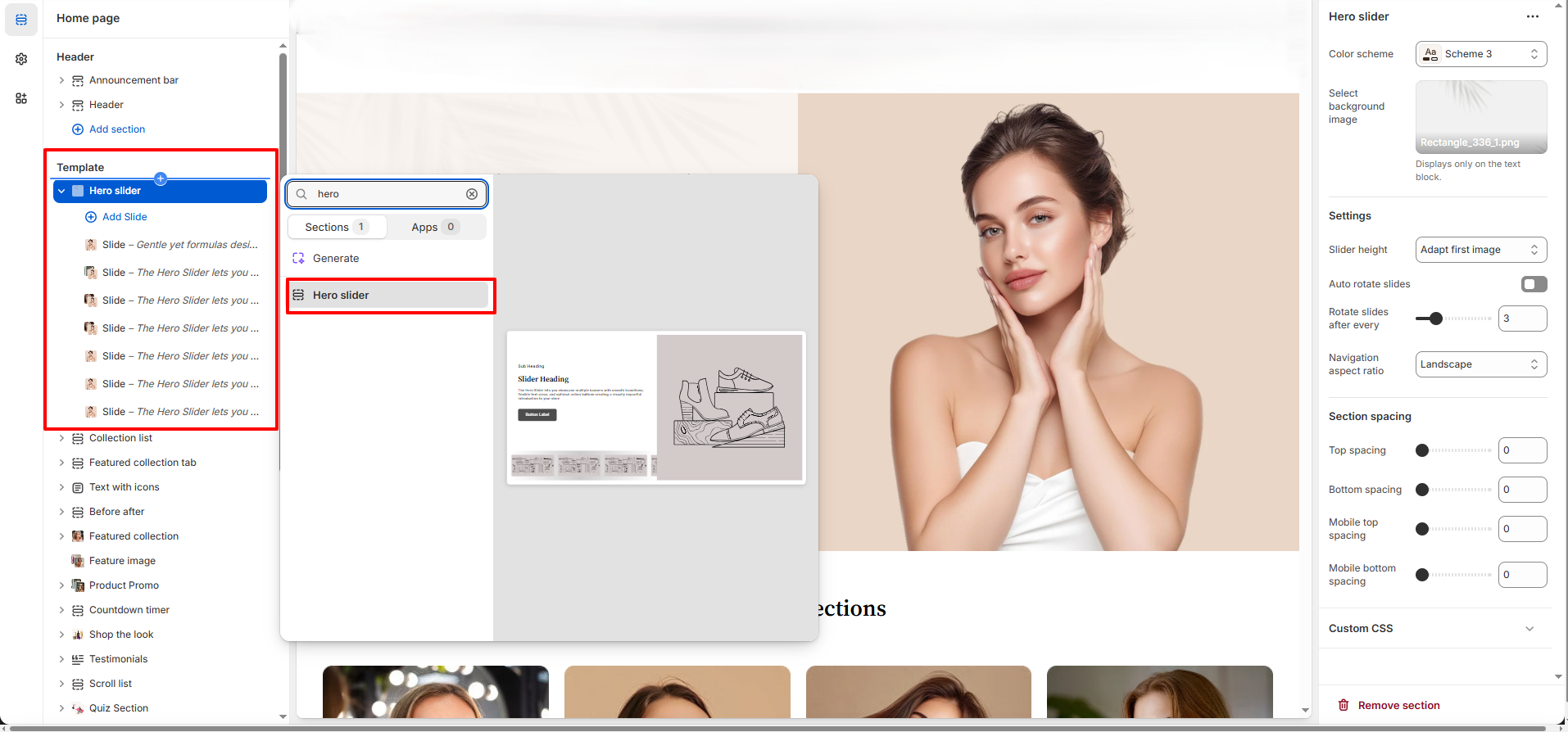
How to Set Up a Hero slideshow section:
- Navigate to Online Store > Themes > Customize.
- On the homepage template, click on the Hero Slider section.
- Use the right-hand settings panel to configure slider behavior and styling.
Pro Tips:
Keep your MP4 video file under 20MB for faster load times.
Use short, high-quality videos (10–15 seconds) to create
impact without slowing down your site.
Apply a semi-transparent overlay if your text isn’t
readable.