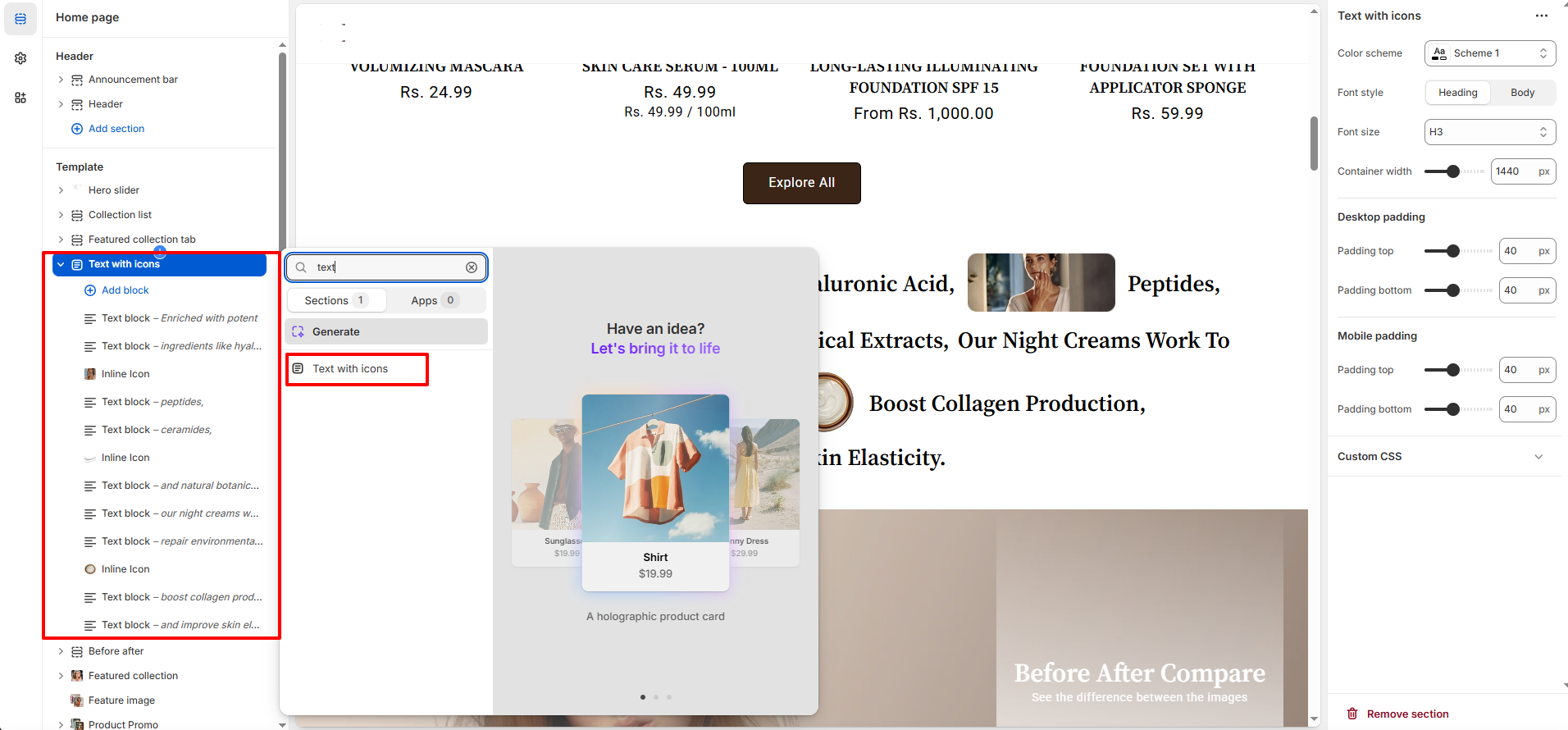
Text With Icon Section – Nexus
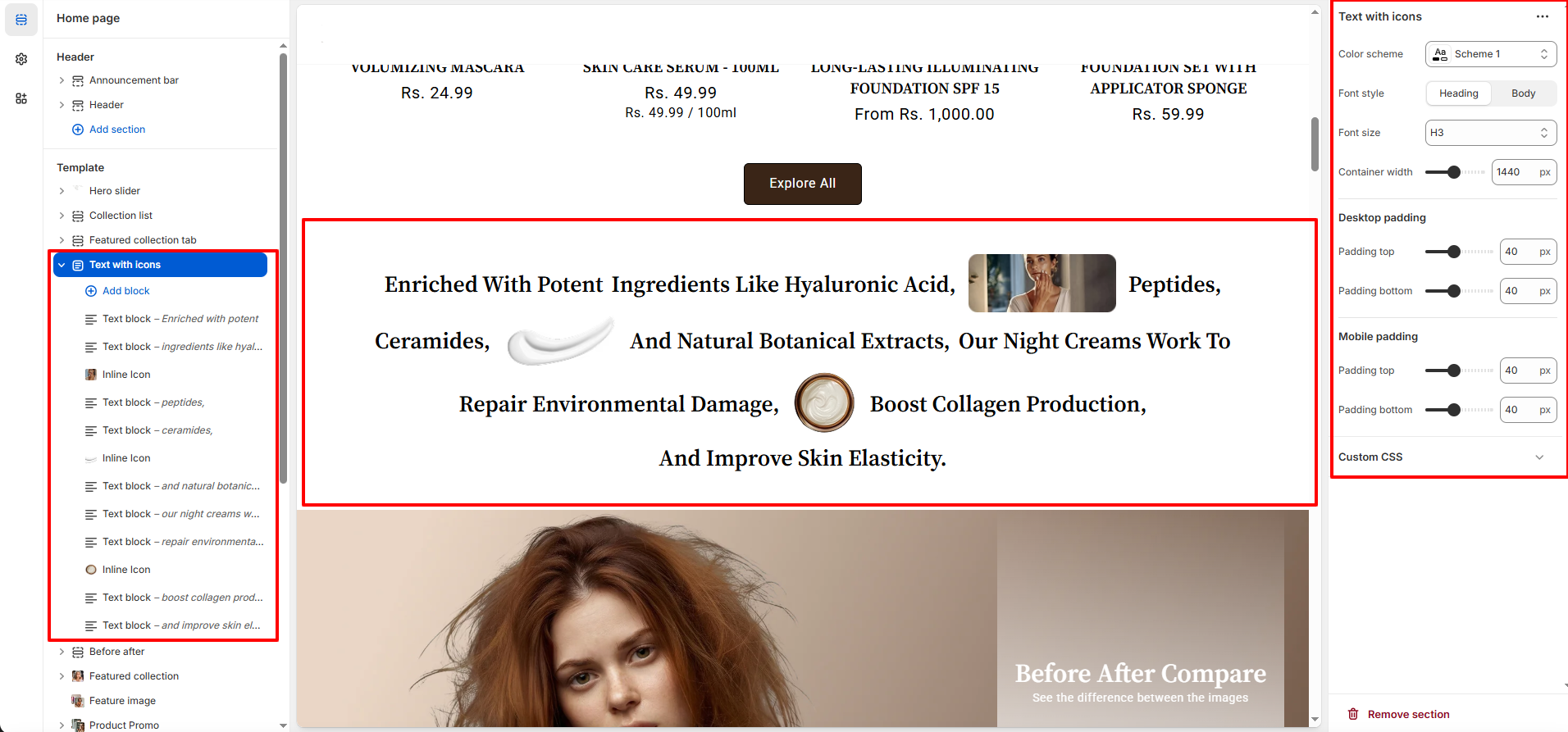
The Text With Icon section allows you to highlight important product features or benefits using concise text paired with small, meaningful icons.This creates a visually engaging presentation that enhances readability and appeal.
It’s ideal for showcasing key ingredients, beauty results, or other essential details in a clean and stylish way—similar to the elegant text-and-icon layout shown in your example.
Features of the Text With Icon
- Separate Text and Icon Blocks: The section includes individual text blocks and icon blocks, allowing you to add, remove, or rearrange each one independently.
- Font Style & Size Controls: Choose between Heading or Body styles and adjust the font size to match your preferred design.
- Adjustable Container Width: Set the container width to define how wide the text-and-icon section appears on the page. show.
- Color Scheme Support: Apply different built-in color schemes to match your Nexus theme’s aesthetic. full collection.
- Full responsive: Design for seamless browsing on desktop and mobile.
- Spacing: Customize top and bottom spacing separately for desktop and mobile devices for precise spacing control.
How to Set Up the Featured Collection Section:
- Go to Online Store → Themes → Customize.
- Scroll to the Text With Icon Section or add it by clicking Add section → Text With Icon.
- In the settings panel, configure the following.