Collection List Section – Nexus
The Collection List section in Nexus allows you to showcase multiple product collections in a visually appealing grid or carousel layout.
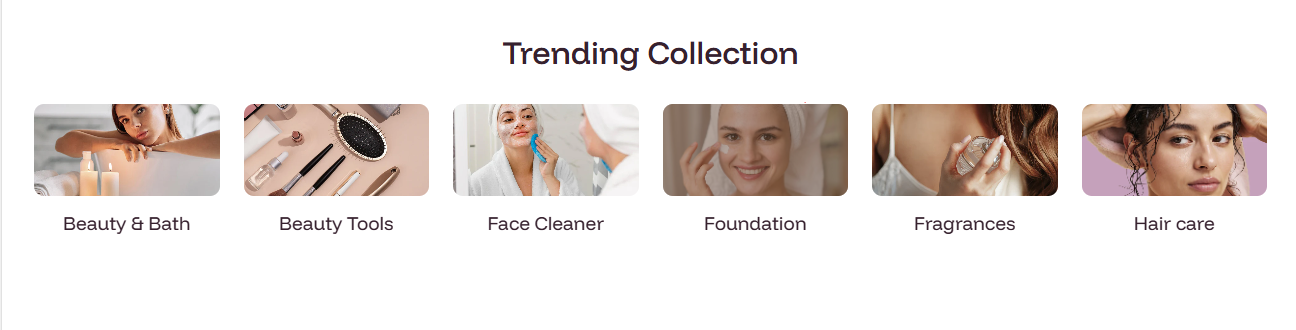
This section is ideal for highlighting your top categories—such as "Beauty & Bath" or "Face Cleaner"—directly on your homepage, guiding customers to their preferred products with ease.
Designed with a modern aesthetic, it features customizable overlays, flexible column counts, and responsive behavior tailored for high-end beauty and skincare brands.
Section Settings:
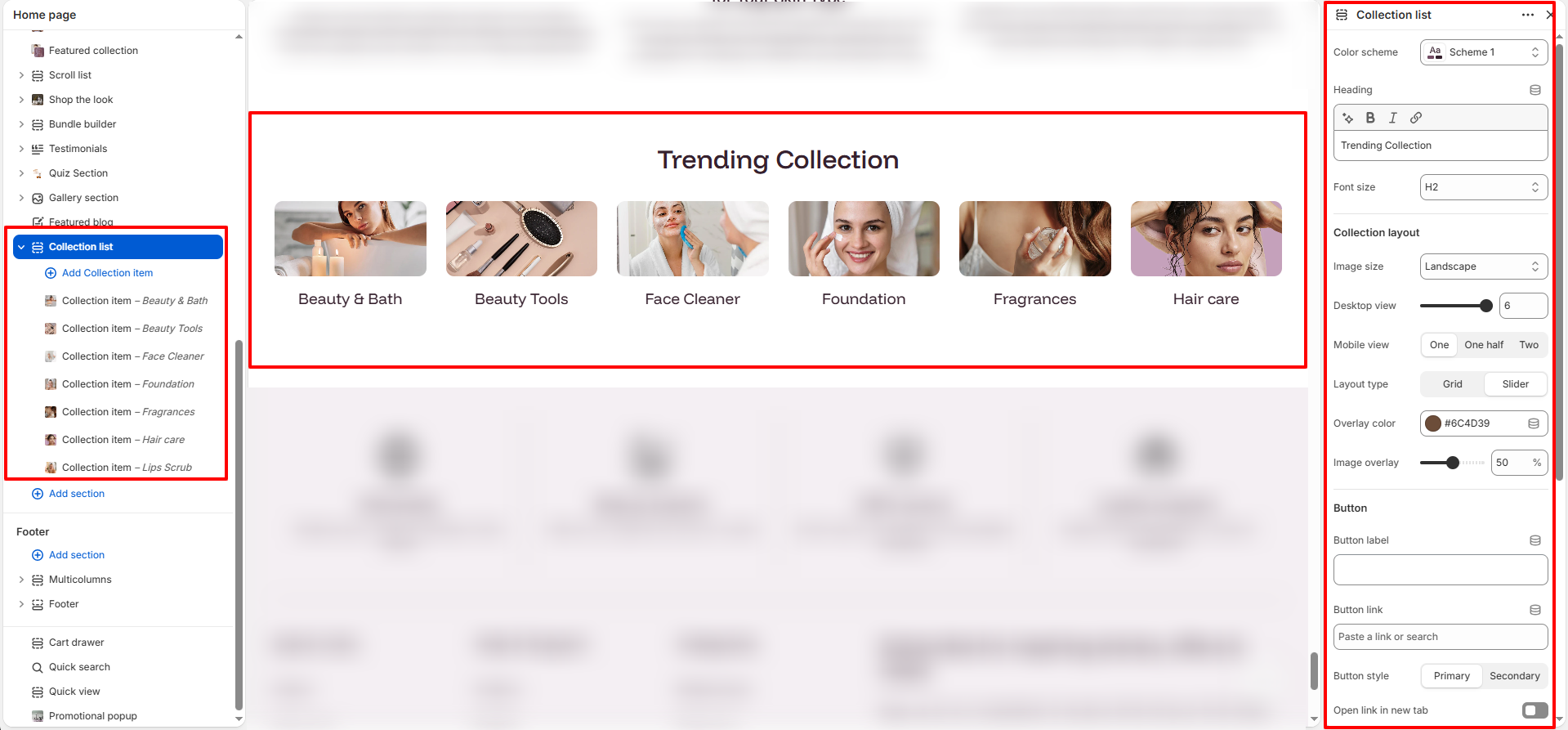
Configure the overall look and feel of the collection list:
- Heading & Font Size: Set your section title (e.g., "Trending Collection") and choose a heading level (H1, H2, H3).
- Desktop/Mobile View: Granular control over how many items appear on different screen sizes.
- Padding: Adjust the top and bottom spacing independently for desktop and mobile (range: 0px to 100px).
Collection Item (Block) Settings:
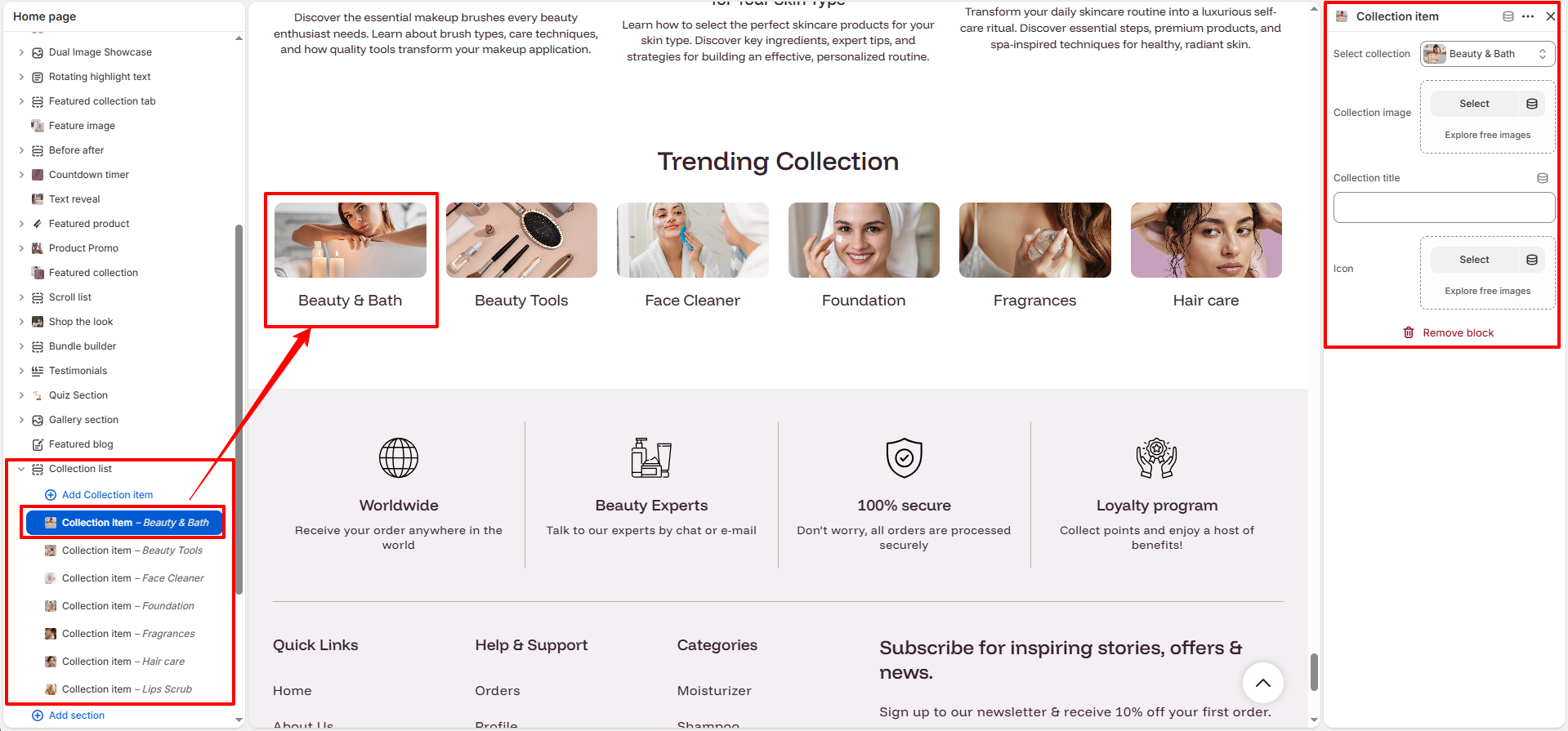
Each block represents a single collection. You can customize:
- Select Collection: Choose the collection to be displayed.
- Custom Image: Override the default collection image with a curated one.
- Icon Selection: Add a unique icon to the block for a premium touch.
How to Set Up:
- 1. Go to Online Store → Themes → Customize.
- 2. Click Add section and select Collection List.
- 3. In the settings panel, configure the layout, colors, and button options.
- 4. Add Collection Item blocks and select the collections you wish to feature.